
Purposes of an Operating System
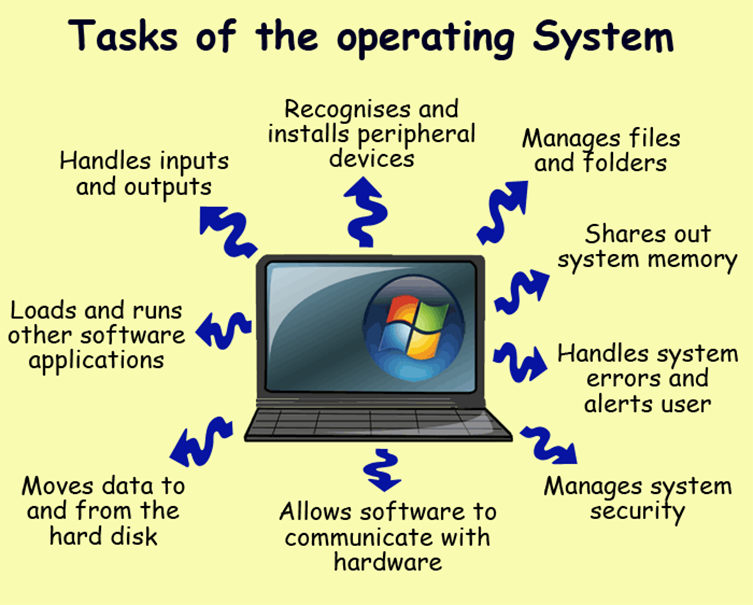
An operating system does three important things: it provides a user interface (UI), it opens and manages applications, and it finds and makes available to applications the hardware resources of the system.
UI. Every operating system needs a user interface (UI), which lets users and administrators communicate with the OS (Operating System) to set up, configure, and even fix the OS and its hardware.
In addition, an operating system can help applications in the following ways:
In a multitasking operating system, where multiple programs can run at the same time, the OS decides which applications should run first and how much time each one should have before another one takes over.
It handles how hardware devices like hard drives, printers, and dial-up ports send and receive data.
It tells each software or interactive user, as well as a system operator, how the system is running and if any errors have happened.
It can take over the management of batch jobs, like printing, so that the application that started the job doesn’t have to do this work.
On computers that can do multiprocessing, an operating system can figure out how to split up a program so that it can run on more than one processor at the same time.
All of the major computer platforms (hardware and software) need an operating system, and some of them come with one. Different operating systems need different features to meet the needs of different form factors.
