
Using your Pen (USB) Drive to look at files
When you put a “pen drive” into your computer, the hardware will automatically start to find it. Once the hardware is found, the pen drive will be put on your computer automatically. As the images below show, you will keep getting the right messages in the notification area of the taskbar. Your pen drive will be ready to use in a few seconds.
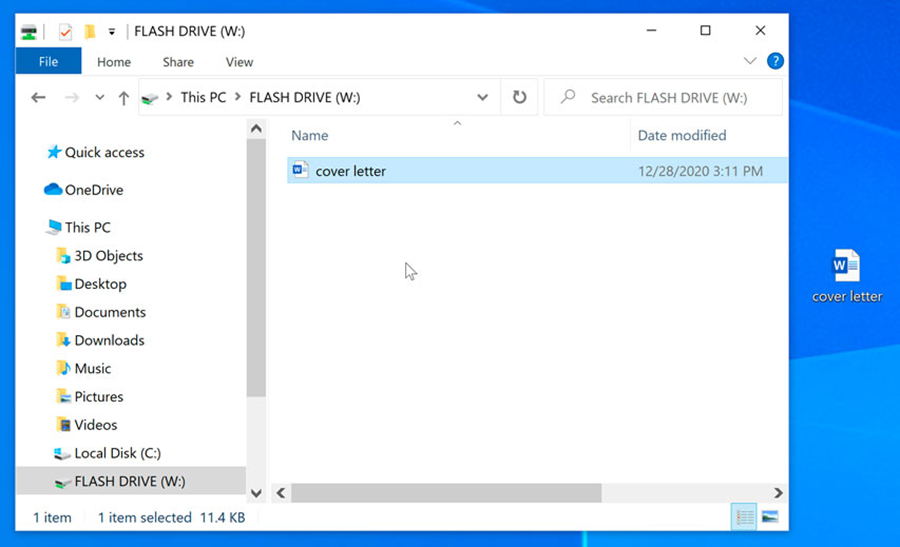
Most of the time, when you put the pen drive in, a Settings Window will open on its own. Select “Open folder to view files” and click “OK” to see the files that are already on the device.
Note: You can also go to “My Computer” and choose the drive that goes with the pen drive. To see the files, right-click on the drive and choose “Open” from the menu. Most computers have hard disk drives (like C: and D:) and a few removable storage devices, like a floppy drive, a CD-ROM drive (F:), etc.
Once you choose to open the USB drive, CD, or DVD, users can see the files on it.
You can choose the file you want to open. To see the files, right-click your mouse and choose “open.”
