
Printer
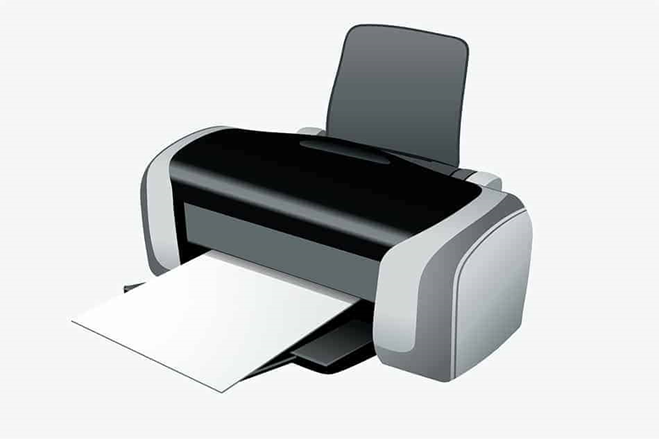
A computer-sent picture may be printed by a printer onto a piece of A4 or other printer paper sizes. It accomplishes this by using information from the computer and depositing either toner or ink in a controlled and precise way to generate the picture.
A printer is a peripheral device used to produce physical copies of digital documents, images, or other content stored on a computer or other electronic device. Here’s an overview of printers:
1. Types of Printers:
- Inkjet Printer: Inkjet printers use liquid ink cartridges to produce high-quality color or black-and-white prints on various types of paper. They are versatile and suitable for home, office, and photo printing.
- Laser Printer: Laser printers use toner cartridges and a laser beam to produce high-speed, high-volume prints with crisp text and graphics. They are commonly used in office environments for black-and-white document printing.
- All-in-One Printer: All-in-one printers combine printing, scanning, copying, and sometimes faxing functions into a single device. They offer versatility and space-saving benefits for home and small office users.
- Photo Printer: Photo printers are designed specifically for producing high-quality photo prints. They often use specialized ink and paper to achieve vibrant colors and sharp detail.
- Label Printer: Label printers are used to print adhesive labels for addressing, shipping, product packaging, and organization. They are commonly used in retail, logistics, and manufacturing industries.
- 3D Printer: 3D printers create three-dimensional objects by adding layers of material (such as plastic filament or resin) one at a time. They are used in prototyping, manufacturing, and education for creating physical models and prototypes.
2. Printer Features:
- Resolution: Printer resolution is measured in dots per inch (DPI) and determines the level of detail and clarity in printed output. Higher resolutions result in sharper, more detailed prints.
- Print Speed: Print speed indicates how many pages or images a printer can produce per minute (PPM). Faster print speeds are advantageous for high-volume printing tasks.
- Connectivity: Printers may connect to a computer or network via USB, Ethernet, Wi-Fi, or Bluetooth. Some printers also support mobile printing from smartphones and tablets.
- Paper Handling: Printers may have various paper handling capabilities, including automatic duplex printing (printing on both sides of the paper), multiple paper trays, and support for different paper sizes and types.
- Ink or Toner Cartridges: Printers require ink or toner cartridges for printing. Cartridges come in different sizes and capacities, and some printers use individual color cartridges for more efficient ink usage.
- Control Panel and Display: Printers may feature a control panel with buttons and an LCD display for navigating settings, performing maintenance tasks, and monitoring print status.
3. Printer Applications:
- Printers are used in various applications, including:
- Document Printing: for printing letters, reports, and other text-based documents.
- Photo Printing: for producing high-quality photographs and images.
- Label Printing: for creating adhesive labels for addressing, packaging, and organization.
- Art and Design: for printing artwork, graphics, and designs.
- Education: for printing worksheets, handouts, and educational materials.
- Manufacturing: for creating prototypes, models, and product labels with 3D printing.
4. Printer Maintenance:
- Regular maintenance is essential to keep your printer in good working condition and ensure optimal print quality.
- Clean the printer regularly to remove dust, debris, and ink residue from the print heads, rollers, and paper path.
- Replace ink or toner cartridges as needed and perform printhead alignment and calibration to prevent print quality issues.
Printers are essential tools for producing physical copies of digital content, whether for personal, business, or creative purposes. Choose a printer that meets your specific needs and requirements to achieve the best results for your printing tasks.
