
Single clicking
Track Your Course Progress
You are currently studying as a guest. Your course progress and quiz results will not be saved unless you login to your EduCourse account. Login to track your progress and qualify for your certificate.
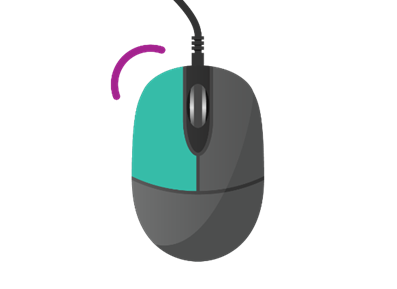
Single-clicking is a fundamental user interaction method used to select or activate items on a computer, typically with a mouse or trackpad. Here’s an overview of single-clicking:
1. Definition:
- Single-clicking involves pressing and releasing the primary button (usually the left button) of a mouse or trackpad once without moving the cursor significantly between the press and release actions.
2. Selection and Activation:
- In graphical user interfaces (GUIs), single-clicking is used to perform various actions, such as selecting files, folders, icons, links, or other objects on the screen.
3. Interface Navigation:
- Single-clicking is the primary method for navigating and interacting with graphical elements within applications, file explorers, web browsers, and other software interfaces.
4. File Management:
- In file explorers or file managers, single-clicking on a file or folder typically selects it, allowing users to perform actions such as opening, copying, moving, renaming, or deleting the selected item.
5. Application Launching:
- Single-clicking on an application icon, shortcut, or menu item may activate or launch the associated application, executing the program or opening its interface for use.
6. Hyperlinks and Buttons:
- Single-clicking on hyperlinks in web browsers or buttons in applications activates the associated action, such as navigating to a different web page or submitting a form.
7. Interaction with Icons:
- Single-clicking on icons on the desktop or in file explorers selects the respective items, enabling users to perform actions such as opening, moving, or arranging the selected icons.
8. Touchscreen Devices:
- On touchscreen devices, single-tapping serves the same function as single-clicking with a mouse or trackpad, allowing users to select or activate on-screen elements with a touch gesture.
9. Accessibility Considerations:
- For users with mobility or dexterity impairments, single-clicking may be more accessible and easier to perform than double-clicking. Operating systems and applications often provide accessibility settings to adjust click speed or offer alternatives to accommodate users with different needs.
Mastering single-clicking is essential for efficient navigation and interaction within digital interfaces. By understanding how single-clicking works and its various applications, users can effectively select, activate, and interact with items on their computers or devices
