
RAM: Random Access Memory
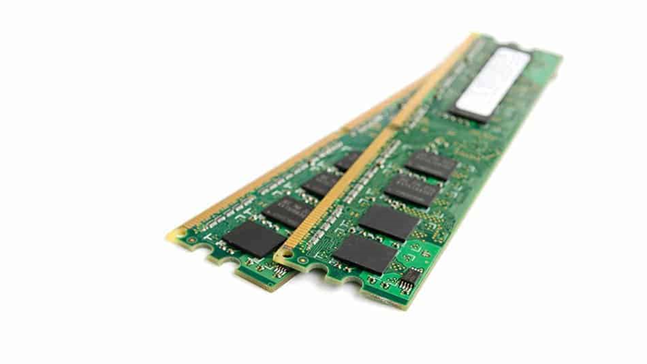
RAM (Random Access Memory) is like a computer’s short-term memory. It stores information that the computer needs to access quickly while it’s running. Here’s what you need to know:
1. What it does: RAM holds data and instructions that the computer is actively using. This includes programs you’re running, files you’re working on, and other stuff needed for the computer to function smoothly.
2. Types: There are different kinds of RAM, but the most common is DDR (Double Data Rate) RAM. You might see terms like DDR3 or DDR4, which refer to different generations of DDR RAM. Newer generations are faster and more efficient.
3. Capacity: RAM comes in different sizes, measured in gigabytes (GB) or even terabytes (TB). The more RAM you have, the more stuff your computer can handle at once without slowing down.
4. Speed: RAM speed is how quickly data can be accessed and used by the computer. Higher speed RAM means faster performance, but it can also cost more.
5. Importance: RAM is crucial for keeping your computer running smoothly. Having enough RAM ensures that your computer can handle multiple tasks, run programs quickly, and keep up with demanding applications like games and video editing software.
6. Considerations: When choosing RAM, think about how you use your computer and what you need it to do. Make sure it’s compatible with your computer’s motherboard and other hardware, and get enough capacity and speed to meet your needs without overpaying.
In simple terms, RAM helps your computer think and work fast, so having enough of it is important for a smooth computing experience.
