
How to Identify Secure Websites (HTTPS, SSL Explained)
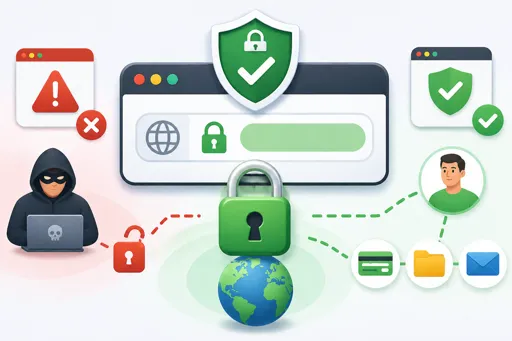
Easy Ways to Spot a Safe Website
In this lesson, we will look at How to Identify Secure Websites (HTTPS, SSL Explained). This is important so you can stay safe online and protect your personal information.
When you visit a website, check the address bar at the top of your browser. A secure website uses HTTPS, not just HTTP. The ‘S’ stands for ‘secure’. It means the website is using SSL (Secure Sockets Layer) to protect the information you send and receive.
SSL is a technology that encrypts data. Encryption means your information is scrambled, so hackers cannot read it. When you see HTTPS or a padlock symbol, the website is using SSL to make it safer.
Steps to Identify a Secure Website
- Look for HTTPS at the start of the website address (URL).
- Check for a padlock icon next to the URL in the browser.
- Click the padlock to view security details about the website.
- Avoid websites that do not have HTTPS or show a warning message.
- Make sure the website name is correct and not a fake copy.
Using only secure websites helps keep your passwords, credit card details, and other private data safe. Always look out for HTTPS and SSL before typing sensitive information online.
