
Best Password Management Tools and Practices
Track Your Course Progress
You are currently studying as a guest. Your course progress and quiz results will not be saved unless you login to your EduCourse account. Login to track your progress and qualify for your certificate.
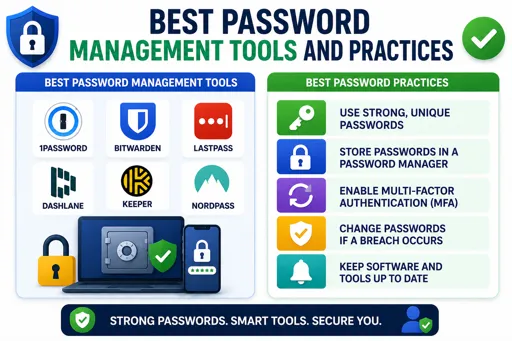
How to Keep Your Passwords Safe and Easy to Manage
Best Password Management Tools and Practices help you create, store, and use strong passwords without the stress of remembering them all. Using a password manager is one of the smartest ways to protect your online accounts.
Password managers save your passwords securely in one place. You only need to remember one master password to access them. Good tools can also generate strong, unique passwords for each of your accounts. This lowers the risk of being hacked if one password leaks.
Top Password Management Practices
- Use a trusted password manager like LastPass, Bitwarden, or Dashlane.
- Create a strong master password that is easy for you to remember but hard for others to guess.
- Always enable two-factor authentication (2FA) on your accounts for extra security.
- Never reuse passwords across different accounts.
- Update your passwords regularly, especially after data breaches.
By following these best password management tools and practices, you protect your private information and make logging in simpler. This is key to staying safe online in today’s digital world.
