
Mobile Phone Security Tips (Android and iPhone)
Essential Ways to Protect Your Mobile Phone
Mobile Phone Security Tips (Android and iPhone) are important to keep your personal information safe and your device running smoothly. With more people using smartphones for banking, social media, and emails, protecting your phone is crucial.
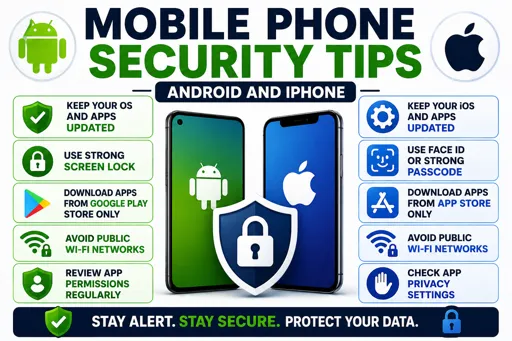
First, always use a strong screen lock. Choose a PIN, pattern, password, or biometric lock like fingerprints or face recognition. This stops others from easily opening your phone.
Next, keep your software updated. Both Android and iPhone receive regular updates that fix security bugs. Ignoring these updates can leave your phone vulnerable to hackers.
Simple Steps to Boost Mobile Security
- Download apps only from official stores like Google Play or the Apple App Store.
- Be careful with app permissions; don’t give access to your camera, contacts, or location unless necessary.
- Turn on Find My Device or Find My iPhone. This helps you locate, lock, or erase your phone if it gets lost or stolen.
- Avoid connecting to public Wi-Fi for sensitive activities, or use a VPN for safer browsing.
- Regularly back up your data to the cloud or computer so you don’t lose important files.
Lastly, watch out for suspicious links or messages. Do not click on unknown links, even if they look like they come from friends or banks. These could be phishing attacks aiming to steal your information.
By following these Mobile Phone Security Tips (Android and iPhone), you can reduce the risk of theft, hacking, and data loss. Stay safe and keep your phone secure every day.
