
Understanding Privacy Settings on Apps and Websites
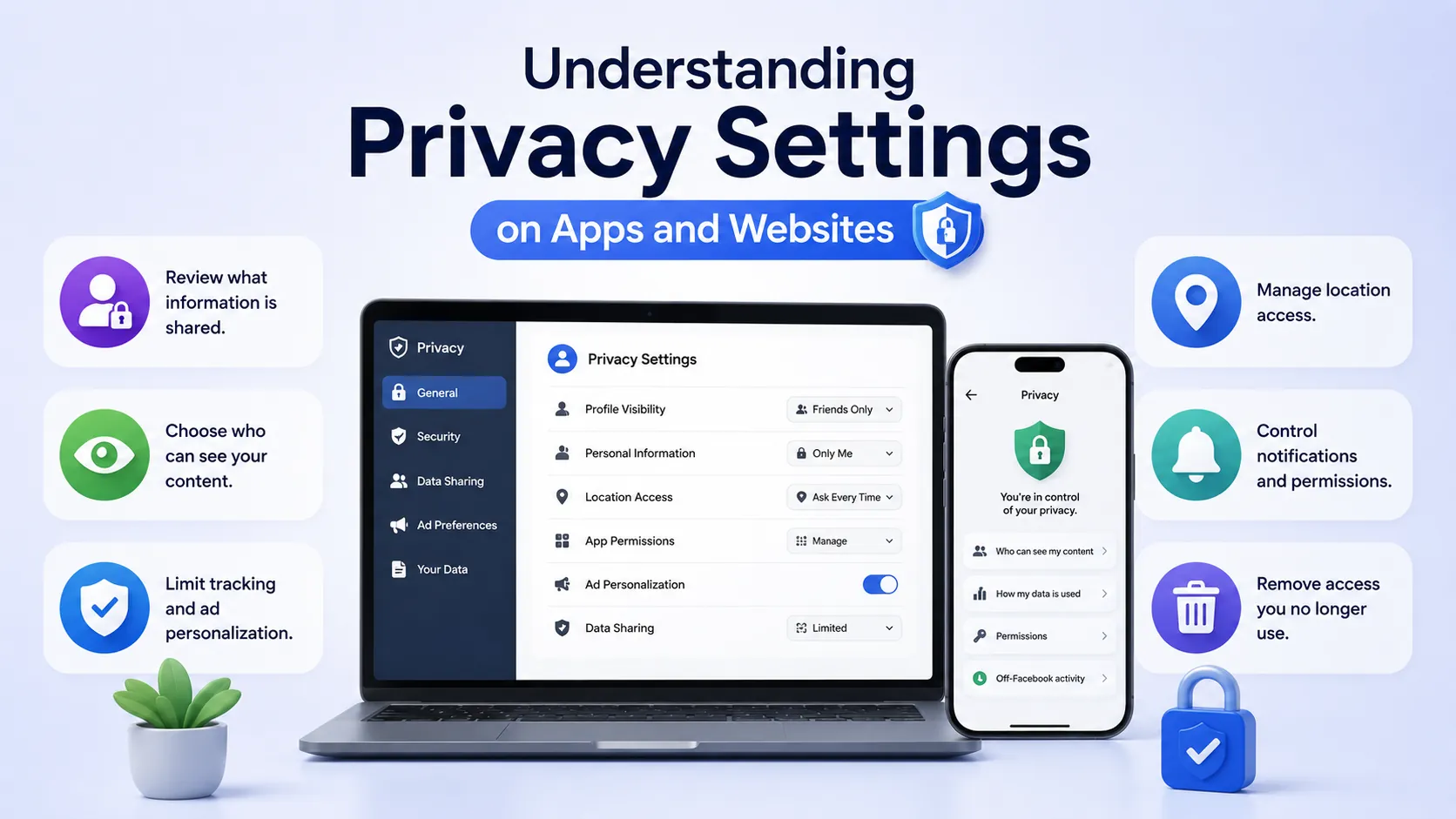
How to Manage Your Privacy Settings Easily
Understanding privacy settings on apps and websites is important to keep your personal information safe. These settings help control who can see your details, what data apps collect, and how it is used or shared.
When you first use an app or website, look for privacy or security options. These are usually in the menu under “Settings” or “Account.” Take time to go through these settings and adjust them to your comfort level.
Key privacy settings to check and update
- Profile visibility: Decide if your profile is public, friends-only, or private. This limits who can view your information.
- Data sharing: Turn off permissions that allow apps to access your location, contacts, or camera unless needed.
- Ad preferences: Control whether your data is used to show personalised ads.
- Third-party access: Remove apps or websites you no longer use from your account permissions.
- Two-factor authentication: Enable extra security to protect your accounts from hacking.
Regularly reviewing your privacy settings helps protect you from unwanted data sharing or hacking risks. Remember to update these settings when apps update or when you start using new services.
By understanding privacy settings on apps and websites, you take control of your digital safety and keep your personal information protected.
