
How to Protect Your Laptop and PC from Viruses
Track Your Course Progress
You are currently studying as a guest. Your course progress and quiz results will not be saved unless you login to your EduCourse account. Login to track your progress and qualify for your certificate.
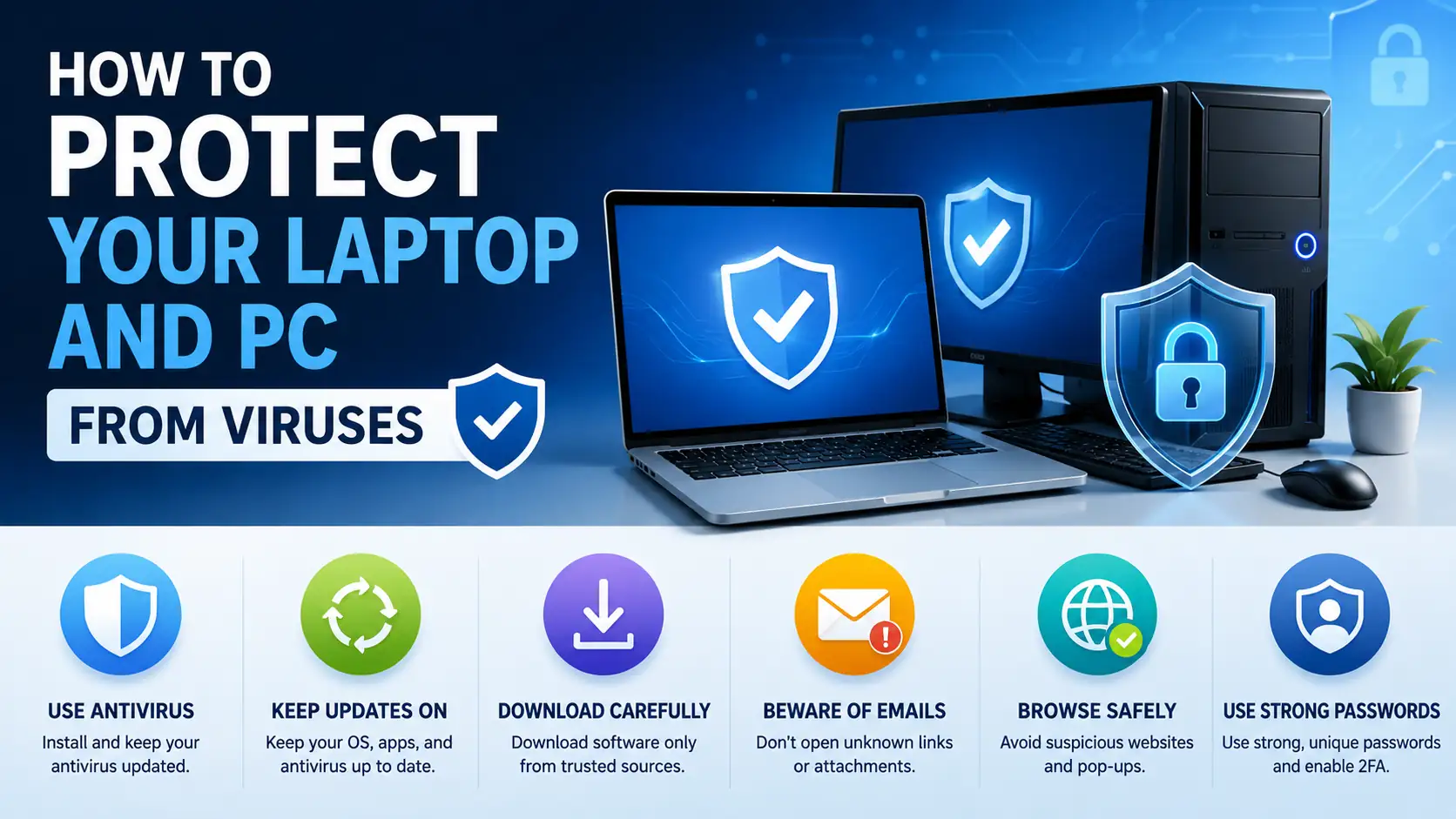
Simple Steps to Keep Your Computer Safe from Viruses
Knowing how to protect your laptop and PC from viruses is important to keep your data safe and your computer running smoothly.
Viruses are harmful programs that can slow down or damage your device. They can steal personal information or make your computer stop working properly. Here is how to protect your laptop and PC from viruses:
- Install Antivirus Software: Use trusted antivirus programs like Bitdefender, Avast, or Windows Defender. These help find and remove viruses.
- Keep Software Updated: Always update your operating system and programs. Updates fix security weaknesses that viruses can use to attack.
- Avoid Suspicious Links and Downloads: Don’t click on unknown links in emails or websites. Only download files from trusted sources.
- Use Strong Passwords: Use passwords that are hard to guess and change them regularly to stop hackers from breaking in.
- Enable a Firewall: Activating your computer’s firewall helps block unwanted internet traffic that may contain viruses.
- Back Up Your Data: Regularly save copies of important files. If a virus damages your data, you can restore it without losing everything.
By following these simple steps, you protect your computer against viruses and keep it safe for school, work, or games. Staying careful online and using security tools makes a big difference.
