
Data Backup Methods (Cloud vs External Storage)
Choosing the Right Data Backup Method for Your Files
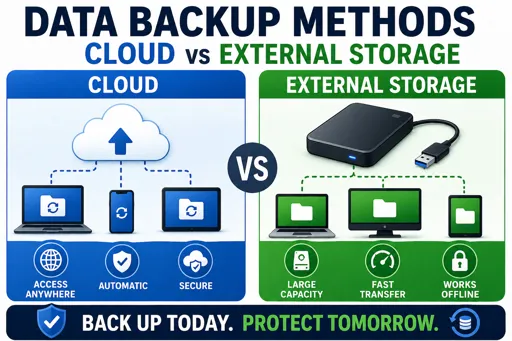
Data Backup Methods (Cloud vs External Storage) are essential for keeping your information safe. Backups protect your files from loss due to theft, hardware failure, or accidental deletion. Knowing the difference between cloud and external storage helps you make smart choices about your data security.
What is Cloud Backup?
Cloud backup stores your files on the internet using remote servers managed by companies like Google, Dropbox, or OneDrive. You upload your data, and it is saved safely in their data centres. This means you can access your files from any device with internet access.
Advantages of Cloud Backup
- Accessibility: Access backups anywhere and anytime.
- Automatic Updates: Many services back up files automatically.
- Offsite Protection: Files are safe even if your home or office is damaged.
- Easy Sharing: You can share files securely with others.
What is External Storage Backup?
External storage involves saving your data on physical devices like USB flash drives, external hard drives, or SD cards. You connect these devices directly to your computer to copy or save important files.
Advantages of External Storage Backup
- Privacy: No internet needed, so less risk of hacking.
- One-Time Cost: You buy the device once without monthly fees.
- Speed: Transferring files can be fast.
- Control: You physically have the storage device.
Both methods have strengths. A good practice is to use both cloud and external storage backups to ensure your data is safe in different situations. This way, if one backup fails, you still have access to your important files.
Remember, regularly updating your backups is key. Set a schedule to back up your files to avoid losing recent data. Whether you choose cloud, external storage, or both, backing up your data is a smart step in protecting your personal information in today’s digital world.
