
How to Avoid Malicious Links and Fake Downloads
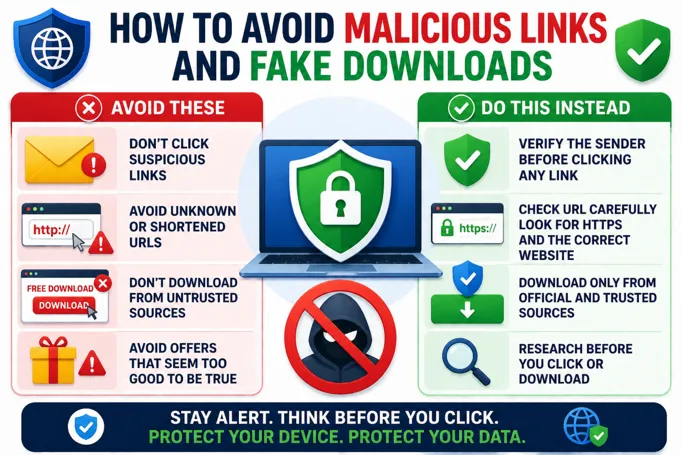
Protect Yourself from Dangerous Links and Downloads
Knowing how to avoid malicious links and fake downloads is important to keep your devices safe. These harmful links and fake files can steal information or damage your computer. Being careful when clicking links or downloading files is the first step to staying secure online.
Always check the source before clicking a link. Look closely at the website address (URL). If it looks strange or does not match the official site, do not click it. Malicious links often pretend to be from trusted sites but have small changes in spelling or extra characters.
Never open links or download files from unknown or unexpected emails and messages. Scammers use fake emails that look real to trick you. If you are unsure, ask the sender directly or delete the message.
Before downloading anything, scan the file with antivirus software. This helps find harmful software before it can harm your device.
Steps to Stay Safe
- Hover over links to check their real address before clicking.
- Only download files from official and trusted websites.
- Keep your software and antivirus programs up to date.
- Avoid clicking on pop-up ads or suspicious banners.
- Use strong passwords and enable two-factor authentication when possible.
By following these tips, you reduce the chance of falling for scams that use malicious links or fake downloads. Stay alert and always think twice before clicking or downloading to avoid cyber risks.
