
Key Differences in Features and Control
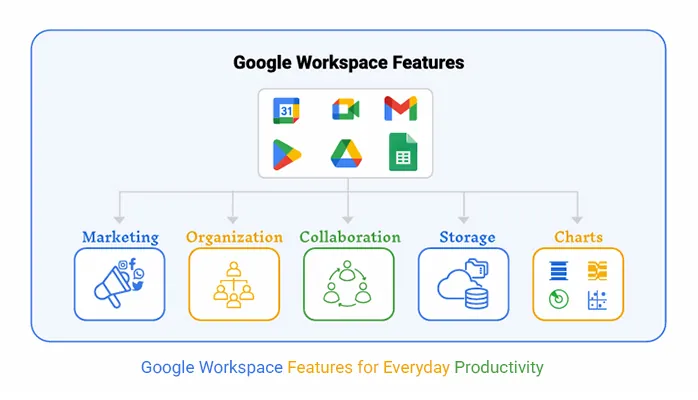
When comparing personal Google accounts and Google Workspace accounts, one of the most important areas to understand is the difference in features and control. While both account types may provide access to similar tools on the surface, the way those tools are managed, controlled, and used is very different. These differences become especially clear in professional, educational, and organisational environments.
With a personal Google account, feature access is largely controlled by the individual user. The user decides which services to use, how files are shared, and what security settings are enabled. This gives a high level of personal freedom, but it also means there is no central control to enforce consistency or security standards. If the user chooses weak passwords or shares files carelessly, there is no organisational system in place to prevent it.
In contrast, a Google Workspace account operates within a managed environment. Features are controlled at an organisational level through administrative tools. This means an organisation can decide which Google services are available, how data is shared, and what security rules must be followed. This level of control is essential in environments where data protection, accountability, and consistency are required.
One of the clearest feature differences is account management and oversight. Personal accounts are managed entirely by the individual, and recovery or support depends on the user’s own actions. Workspace accounts can be managed by administrators who can reset passwords, suspend accounts, or restore access when needed. This ensures continuity and prevents loss of access when users leave or forget credentials.
There are also differences in sharing and collaboration control. With personal accounts, file sharing is open and flexible, but this can easily lead to unintentional public sharing or data exposure. Workspace accounts allow organisations to set rules that limit who files can be shared with, whether external access is allowed, and what actions collaborators can take. This ensures collaboration happens safely within defined boundaries.
To clearly highlight the main differences, consider the following points:
- User control:
Personal accounts are fully controlled by the individual, while Workspace accounts are managed by an organisation. - Feature availability:
Personal accounts have standard access to Google tools, while Workspace accounts can have features enabled or restricted based on organisational needs. - Security enforcement:
Personal accounts rely on user-chosen security settings, whereas Workspace accounts enforce security policies centrally. - Account recovery and continuity:
Personal accounts depend on self-recovery, while Workspace accounts can be recovered or managed by administrators. - Data ownership and oversight:
Personal account data belongs to the individual, while Workspace account data is managed within an organisational structure.
Another key difference is policy enforcement. In a Workspace environment, organisations can enforce rules related to password strength, sign-in verification, and device access. These policies apply to all users under the organisation, ensuring consistent protection across the entire system. Personal accounts do not offer this level of enforced consistency because each user controls their own settings.
In summary, the key differences in features and control between personal Google accounts and Google Workspace accounts come down to individual freedom versus organisational management. Personal accounts prioritise flexibility and personal choice, while Workspace accounts prioritise structure, security, and controlled collaboration. Understanding these differences helps learners see why Google Workspace is better suited for professional and educational use, where control and reliability are essential.
