
Accessing files online
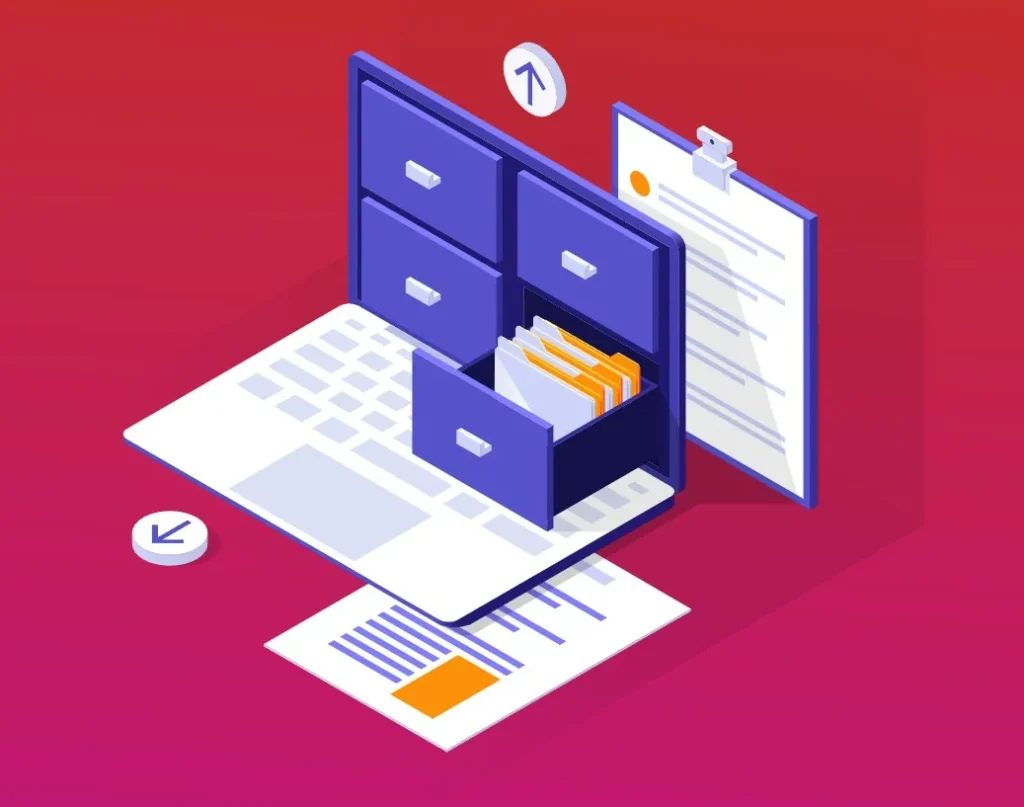
Accessing files online means opening, viewing, and working with your documents through the internet instead of relying on files stored on one specific device. When files are saved in the cloud, they are linked to your user account rather than to a particular computer or phone. This allows you to sign in from different devices and still see the same files, in the same state, without needing to copy or transfer anything manually.
In simple terms, once a file is stored online, you no longer have to worry about where it was originally created. Whether you saved it on a laptop, tablet, or mobile phone, the file lives in the cloud and can be accessed anywhere. You only need an internet connection and your login details. This is one of the biggest advantages of cloud-based systems, especially for students, remote workers, and organisations with multiple users.
Accessing files online usually happens through a web browser or a dedicated app. For example, when using cloud platforms like Google Workspace, you can open files by signing in through a browser such as Chrome, Edge, or Firefox, or by using mobile apps on a smartphone or tablet. Once signed in, your files are displayed in an organised interface where you can open, edit, rename, or share them easily.
Another important part of accessing files online is real-time availability. Because files are stored on cloud servers, any changes made are saved immediately. If you edit a document on one device and then open it later on another device, the updated version is already there. This removes the confusion of working with outdated files and ensures that you are always viewing the most current version of your work.
Accessing files online also supports collaboration. When multiple people have permission to access the same file, each person can open it online and work on it without creating separate copies. Everyone sees the same document, and changes are reflected instantly. This makes group work, team projects, and shared assignments much easier to manage compared to sending files back and forth through email.
Security is an important aspect of online file access. Files stored in the cloud are protected by login credentials, and in many systems, additional security measures are used to protect access. This means that even though files are accessible online, they are not publicly available unless the owner chooses to share them. Users control who can view or edit their files, helping keep information private and secure.
Another benefit of accessing files online is device independence. If a device is lost, damaged, or replaced, the files are not lost with it. You can simply sign in on a new device and continue working as normal. This is especially helpful in educational and work environments where people often switch between devices or use shared computers.
In summary, accessing files online means being able to open and manage your work from anywhere using an internet connection. It allows files to stay up to date, supports collaboration, improves security, and removes dependence on a single device. This way of working has become a standard part of modern digital life and is a key reason cloud computing is so widely used today.
