
Creating a Google Account
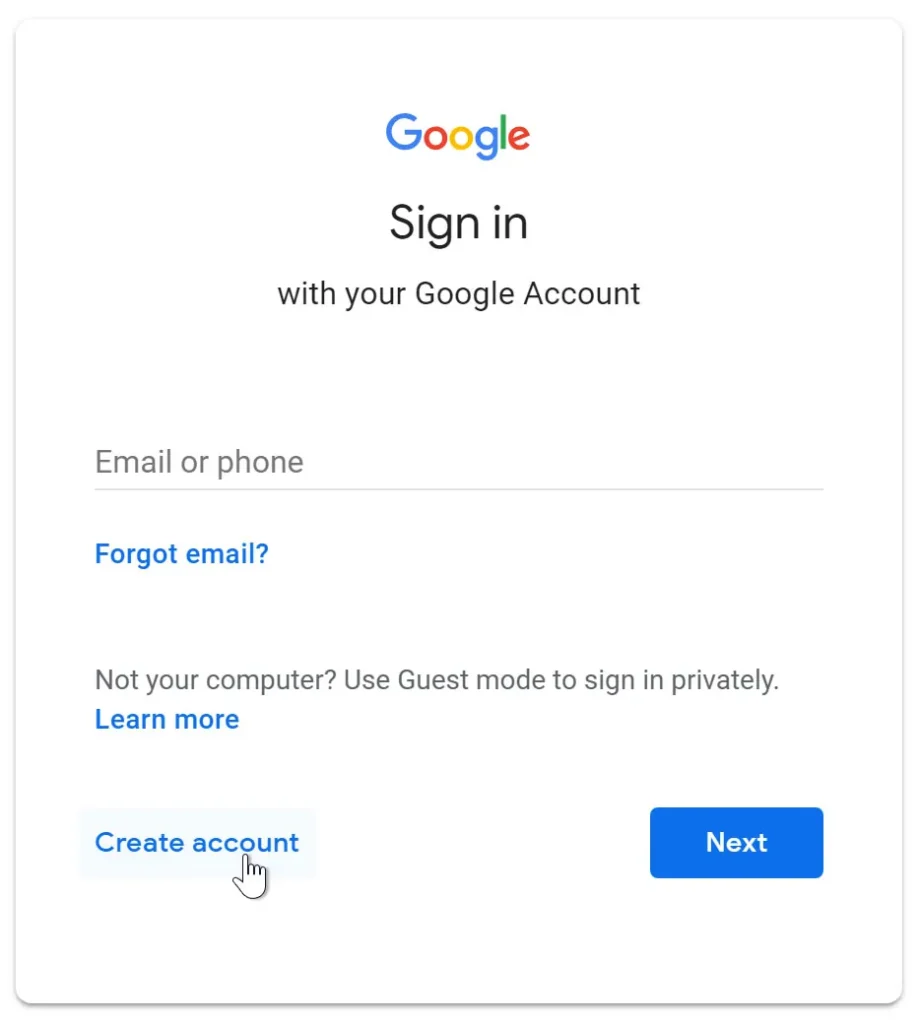
Creating a Google account is one of the first and most important steps to accessing Google’s online tools and services. A Google account acts as your digital identity within Google’s ecosystem and allows you to sign in to services such as Gmail, Google Drive, Google Docs, Google Sheets, Google Slides, and Google Calendar. When working with Google Workspace, a Google account becomes the main way you access the full cloud-based productivity environment and all the tools connected to it.
A Google account is essentially a secure online login made up of an email address and a password. This single login gives you access to multiple Google services without needing separate usernames and passwords for each one. This single sign-in approach makes it easier for users to move between tools and reduces confusion, especially for beginners who are still learning how cloud-based platforms work.
There are generally two types of Google accounts that users encounter. One is a personal Google account, usually created by an individual and often linked to a Gmail address. The other is a Google Workspace account, which is usually created and managed by an organisation such as a school, business, or training provider. In both cases, the basic idea of the account is the same: it provides secure access to Google’s online services.
Before creating a Google account, it is important to have a device with internet access, such as a computer, tablet, or smartphone. You will also usually need a mobile number or an alternative email address for account recovery. Recovery details are important because they help you regain access if you forget your password or if there is unusual activity on your account.
The process of creating a Google account is designed to be simple and user-friendly. You start by visiting the Google account sign-up page and choosing to create a new account. During registration, you are asked for basic information such as your name and date of birth. You then choose an email address or decide to use an existing one, followed by creating a password that will protect your account.
Choosing a strong password is a critical part of the account creation process. A good password should be difficult for others to guess and should include a mix of letters, numbers, and symbols. Weak or simple passwords make accounts vulnerable to unauthorised access, which can put emails, files, and personal data at risk. Developing good password habits early helps keep cloud-based information safe.
After creating a password, Google may ask you to verify your identity using a phone number. This step confirms that the account belongs to a real person and adds an extra layer of security. A verification code is sent to your phone, and you enter the code to complete the process. This verification also helps with account recovery in the future.
Once the account is created, it becomes your key to accessing Google’s cloud services. Any documents you create, emails you send, or events you schedule are linked to this account. Because everything is stored online, you can sign in from different devices and still access the same information. This is one of the main reasons Google accounts are essential for cloud-based systems.
Managing your account settings is another important part of using a Google account effectively. You can update personal details, change your password, review security activity, and control privacy settings at any time. Enabling extra security features, such as two-step verification, helps protect your account by requiring an additional confirmation when signing in from new devices.
It is also important to understand responsible sign-in and sign-out behaviour. When using shared or public devices, signing out after use prevents others from accessing your emails, files, and personal information. Learning these habits is part of using cloud-based tools safely and professionally.
Some common reasons people create a Google account include:
- Accessing cloud-based email and communication tools
- Storing and managing files online
- Collaborating on documents and projects
- Managing schedules, reminders, and online meetings
In summary, creating a Google account is the foundation for accessing Google Workspace and other Google services. It provides secure access to cloud-based tools, supports collaboration and online storage, and enables flexible access from multiple devices. By understanding how to create and manage a Google account correctly, students build the skills needed to work confidently and safely in modern digital environments.
