
Cloud Computing Explained (Beginner Level)
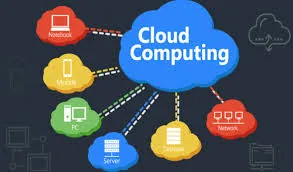
In this lesson, Cloud Computing Explained (Beginner Level), learners will be introduced to the basic ideas behind cloud computing in a clear and easy-to-understand way. The lesson is designed for beginners and focuses on helping students understand how modern digital systems work behind the scenes, especially when using online tools and platforms in everyday life.
Students will begin by learning what “the cloud” means in simple terms. This part of the lesson explains the concept of storing and using files and services over the internet rather than on a single device. Learners will develop a clear understanding of how cloud technology allows people to work, study, and access information from different locations and devices.
The lesson then explains how cloud storage works, breaking down how files are saved on online servers, kept secure, and linked to user accounts. Students will learn how data is uploaded, stored, and retrieved, and why cloud storage reduces the risk of losing important files when devices are damaged or replaced.
Learners will also explore how files are accessed online. This section focuses on how users open, edit, and manage cloud-stored files through browsers or apps, and how changes are saved automatically. Students will understand how working online ensures they always see the most up-to-date version of their files and how this supports collaboration.
Finally, the lesson highlights the benefits of cloud-based systems. Learners will discover why cloud computing is so widely used today, including advantages such as flexible access, automatic saving, easy collaboration, reduced software maintenance, and improved reliability. These benefits help students see why cloud-based platforms are a key part of modern digital work and learning environments.
By the end of this lesson, students will have a solid beginner-level understanding of cloud computing, how it works, and why it is important. This foundation prepares learners to confidently use cloud-based tools and better understand platforms like Google Workspace in later lessons.
