
Using Bold, Italic, and Underline commands:
Track Your Course Progress
You are currently studying as a guest. Your course progress and quiz results will not be saved unless you login to your EduCourse account. Login to track your progress and qualify for your certificate.
- Select the cell(s) you want to modify.
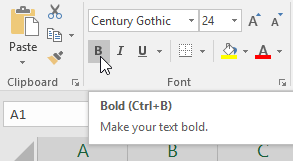
- Click the Bold (B), Italic (I), or Underline (U) command on the Home tab. In our example, we’ll make the selected cells bold.
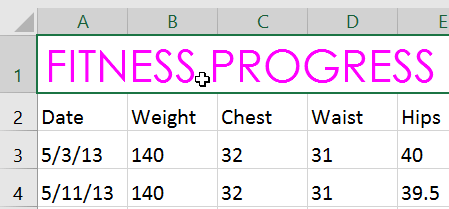
- The selected style will be applied to the text.

You can also press Ctrl+B on your keyboard to make selected text bold, Ctrl+I to apply italics, and Ctrl+U to apply an underline.
