
Saving and opening files
Login to save your progress and get your certificate.
Your course progress is only saved when you are logged in.
Saving and opening files
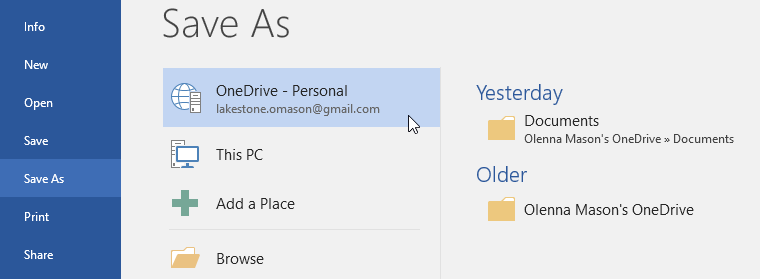
Once you are signed in to your Microsoft account, OneDrive comes out as an alternative to save or open a file with. You can still choose to save the files to your computer but the advantage of saving files on OneDrive is that they are accessible on any computer and can be shared amongst friends and co-workers.
An example would be when you click Save As, you can choose between OneDrive or This PC as the save location.
Want to save your place in this course?
Login or register to save progress and work toward your certificate.