
To create a new blank document
Login to save your progress and get your certificate.
Your course progress is only saved when you are logged in.
To create blank document:
It is common to begin a new project on a new blank document.
- Choose the File tab to get to Backstage view.
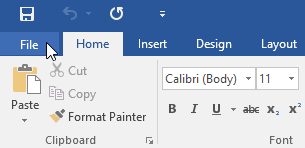
- Select the File tab to access Backstage view.
- Choose New, then click Blank document.
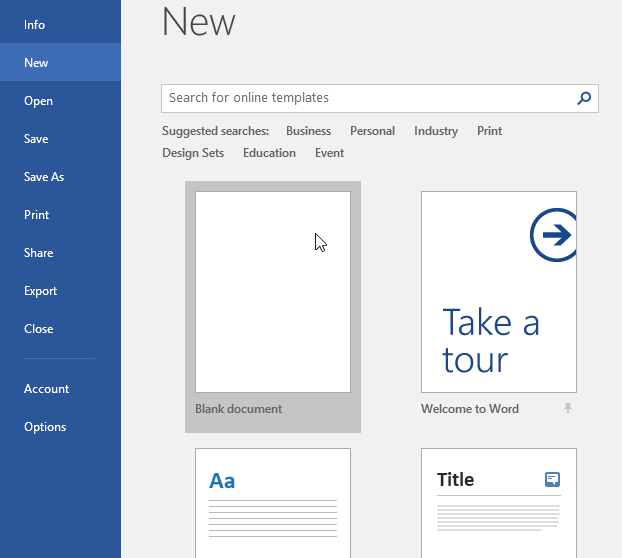
- A new document will pop-up.
Want to save your place in this course?
Login or register to save progress and work toward your certificate.