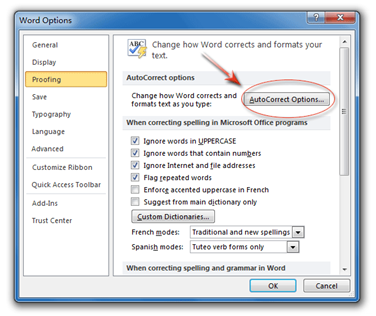
Understanding AutoCorrect
Track Your Course Progress
You are currently studying as a guest. Your course progress and quiz results will not be saved unless you login to your EduCourse account. Login to track your progress and qualify for your certificate.
For example, a user may type “my words are not corect” and the program would automatically change it to “My words are not correct.” As you can see in this example, not only does AutoCorrect fix the misspelling, but it also capitalizes the first letter of the sentence.
In the animated picture above, you can see AutoCorrect in action. It automatically capitalizes the first letter of every sentence, changing the letter “i” to “I,” “auto correct” to “autocorrect,” and “ch” to “Computer Hope.”