
To create a new blank document
Track Your Course Progress
You are currently studying as a guest. Your course progress and quiz results will not be saved unless you login to your EduCourse account. Login to track your progress and qualify for your certificate.
To create blank document:
It is common to begin a new project on a new blank document.
- Choose the File tab to get to Backstage view.
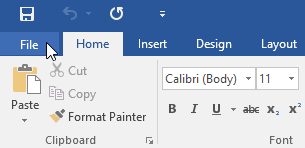
- Select the File tab to access Backstage view.
- Choose New, then click Blank document.
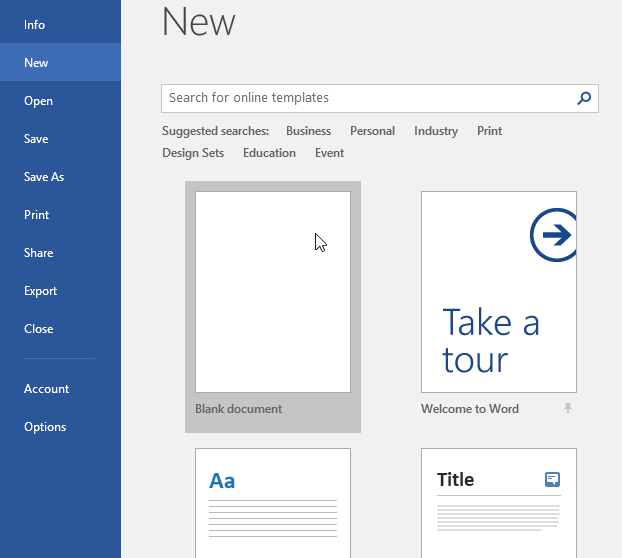
- A new document will pop-up.
