Utilising templates
Track Your Course Progress
You are currently studying as a guest. Your course progress and quiz results will not be saved unless you login to your EduCourse account. Login to track your progress and qualify for your certificate.
A template is a predesigned spreadsheet you can use to quickly create a new workbook. Templates also provide custom formatting and predefined formulas, so when beginning a new project, they will save you a lot of time and effort.
Creating a new workbook from a template:
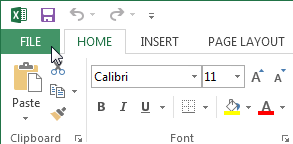
- To access Backstage view, click the File tab.
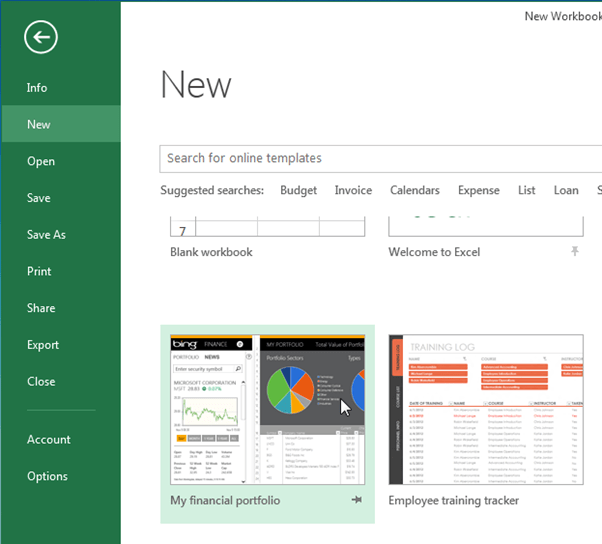
- Choose New then multiple templates will appear below the Blank workbook option.
- Choose a template to review it.
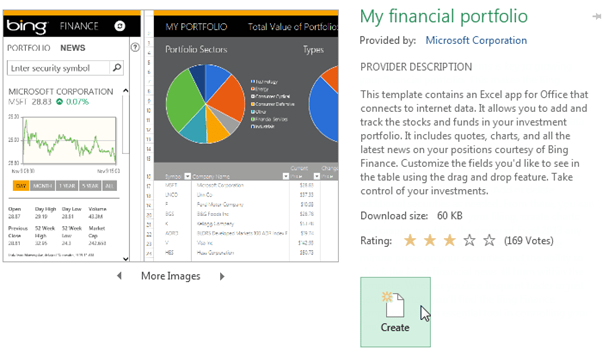
- A preview of the template will display, along with additional information on how the template can be utilised.
- Pick and click Create to make use of the selected template.
- A new workbook will come out with the selected template.
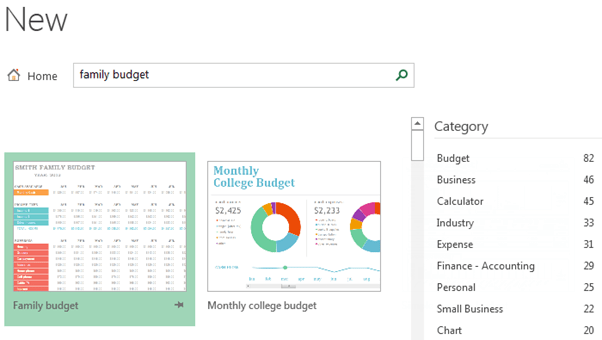
You can also navigate between templates by category or employ the search bar to find something more specific.