Working with the Excel environment
Track Your Course Progress
You are currently studying as a guest. Your course progress and quiz results will not be saved unless you login to your EduCourse account. Login to track your progress and qualify for your certificate.
The Excel Interface
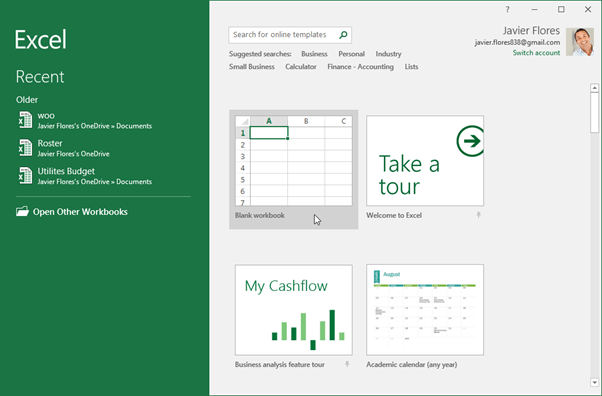
The Excel start screen will appear when you open Excel 2016 for the first time. You will be able to build a new workbook from here, pick a template, and access your newly edited workbooks.
- Find and pick the blank workbook from the Excel Start Screen to access the Excel interface.