Many beginners asking what is the best free online courses with certificates for beginners are really looking for simple, flexible online learning that helps them build useful skills without feeling overwhelmed. The best option is usually a beginner-friendly course that teaches one practical skill clearly, lets you learn at your own pace, and gives you a certificate you can use to show progress.
For many South African learners, that means starting with basic workplace and computer skills rather than trying to jump straight into advanced study. Free online courses with certificates for beginners can be useful because they lower the barrier to entry, make skills development more accessible, and help you build confidence step by step.
Quick Answer
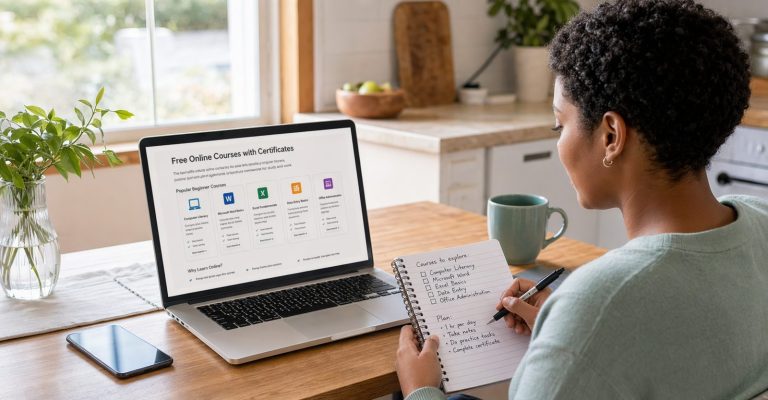
The best free online courses with certificates for beginners are usually simple, practical courses in computer literacy, Microsoft Word, Excel, Data Entry, and Office Administration because they are easy to start, useful in real life, and relevant for study and work.

What Are Free Online Courses With Certificates?
Free online courses with certificates are courses you can study on the internet without paying upfront for access, while still working toward a certificate of completion once you finish the lessons and any required assessments.
For beginners, the value is not just the certificate. It is the chance to build real skills in a structured way. A good beginner course can help you:
- learn at your own pace
- understand a topic from the basics
- build confidence before moving to harder subjects
- show evidence of progress through a certificate
That is why the best online courses for beginners are usually practical, clear, and focused on skills that can be used in work, study, or everyday life.
Are Free Online Courses Good for Beginners?
Yes, free online courses with certificates for beginners can be a very good starting point when the content is simple, well structured, and designed for people with little or no previous experience.
They work especially well for beginners because they offer flexibility. You can study after work, during weekends, or in small sessions during the day. That makes online learning easier to fit into real life.
They also have a low barrier to entry. Instead of committing to a long programme immediately, you can start with one practical course, complete it, and then decide what you want to learn next.
For many learners, that first small win matters. Finishing a basic course in Word, Excel, or Computer Literacy often creates the confidence needed to keep learning.

The Best Free Online Courses With Certificates for Beginners
If your goal is to choose the best free online courses with certificates for beginners, it helps to start with subjects that are practical, easy to apply, and useful in everyday work environments.
Microsoft Word
A beginner-friendly Microsoft Word course is a strong place to start if you want to learn how to create, edit, and format documents properly. It is useful for study, office work, admin tasks, and general computer confidence.
Microsoft Excel
The Microsoft Excel course is ideal for beginners who want to learn spreadsheets, basic calculations, data organisation, and reporting. Excel is one of the most useful digital skills you can build early because it supports office, finance, admin, and data-related work.
PowerPoint
A PowerPoint course is helpful if you want to learn how to create simple, clear presentations. This is useful for school, workplace communication, and any situation where you need to present ideas professionally.
Outlook
The Outlook course is a practical choice for beginners who want to learn professional email, inbox organisation, and calendar management. These are valuable skills for office and support roles.
Data Entry
The Data Entry course is a good option if you want to build accuracy, digital organisation, and information-handling skills. It is especially useful for entry-level office and admin pathways.
Office Administration
An Office Administration course gives beginners a broader introduction to communication, workflows, organisation, records, and professional office processes. It is a smart next step if you want to build general workplace readiness.
Computer Literacy
If you are starting from the very beginning, the Computer Literacy course may be one of the best online courses for beginners because it helps you understand how computers, files, digital tools, and basic online tasks work together.
Beginner Course Comparison Table
| Course | Level | Certificate | Best For |
|---|---|---|---|
| Microsoft Word | Beginner | Available on completion | Documents, study tasks, office basics |
| Microsoft Excel | Beginner | Available on completion | Spreadsheets, calculations, reporting |
| PowerPoint | Beginner | Available on completion | Presentations and communication |
| Outlook | Beginner | Available on completion | Email and calendar management |
| Data Entry | Beginner | Available on completion | Accuracy, typing, information handling |
| Office Administration | Beginner | Available on completion | General workplace readiness |
| Computer Literacy | Beginner | Available on completion | Basic computer and online confidence |
Common Beginner Struggles When Starting Online Courses
Beginners often want free certificate courses online, but they also face a few common challenges at the start:
- not knowing which course is easiest to start with
- worrying that online learning will feel too technical
- feeling unsure about whether the certificate will be useful
- starting too many courses at once and not finishing them
- choosing a course that is too advanced too early
The easiest way to avoid these problems is to choose one practical course, keep your study schedule simple, and focus on finishing it before moving on.
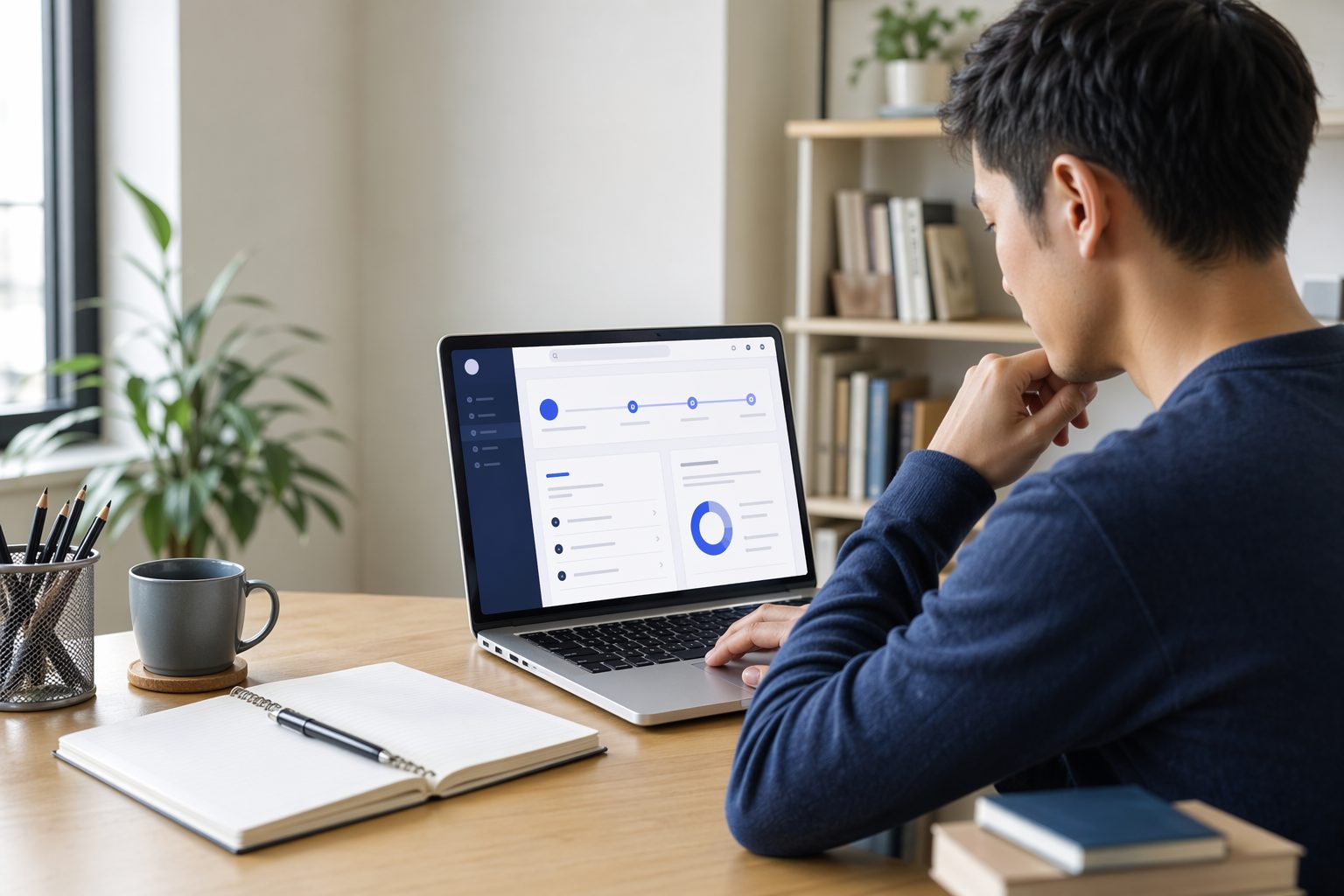
How to Choose the Best Course as a Beginner
If you feel unsure about where to start, keep the decision simple. The best course for you as a beginner depends on four things:
- Simplicity: choose a course that starts with the basics and explains things clearly.
- Skills gained: pick something that teaches a skill you can actually use.
- Certificate value: look for a course that gives you a certificate after completion.
- Your goal: think about whether you want office skills, computer confidence, admin ability, or digital productivity.
For example, if you want general confidence with documents, Word is a good first choice. If you want something useful for administration and reporting, Excel or Data Entry may be better. If you want broader workplace readiness, Office Administration makes sense.
If you are still comparing options, browsing the EduCourse course categories page can help you see which direction feels most relevant to your goals.
How to Start Learning Online
Starting online learning is easier when you keep the process simple. A beginner-friendly approach looks like this:
- Choose one course only. Do not start with too many topics at once.
- Set a small study schedule, even if it is only 20 to 30 minutes at a time.
- Take notes while you study so the lessons stay practical.
- Complete the quizzes or assessments as you go.
- Finish the course before moving to the next one.
This matters because consistency is more useful than intensity at the beginning. The people who do well with free certificate courses online are usually the ones who study steadily, not the ones who try to rush through everything at once.
If you want a simple progression, you could start with Computer Literacy, then move to Microsoft Word, then continue into Excel or Data Entry depending on your goals.
Final Thoughts
The answer to what is the best free online courses with certificates for beginners is not one single course for everyone. The best option is the one that matches your current level, teaches a practical skill clearly, and helps you keep moving forward with confidence.
For beginners, courses in Word, Excel, PowerPoint, Outlook, Data Entry, Office Administration, and Computer Literacy are strong places to start because they teach useful workplace and study skills without making the learning process feel too advanced.
What to Do Next
If you are ready to start learning, the best next step is to choose one beginner-friendly course and commit to finishing it. Browse the available options on the EduCourse course categories page and pick the course that best matches the skill you want to build first.
FAQ
Are free online courses with certificates good for beginners?
Yes. They can be a good starting point because they are flexible, accessible, and often designed to introduce a subject in a simple, structured way.
Can I get a certificate for free?
Some free online courses include a certificate after you complete the lessons and any required assessments. It is always best to check the course details so you understand what is included.
How long do beginner online courses take?
That depends on the course structure and your study pace. Many beginner courses can be completed over a short period if you study consistently in small sessions.
Which beginner course should I start with?
If you are completely new, Computer Literacy or Microsoft Word is a practical place to begin. If you want more job-focused skills, Excel, Data Entry, or Office Administration may be a better fit.
Are free certificate courses online useful for jobs?
They can be useful because they help you build practical skills and show that you completed structured learning. Their value is strongest when the course teaches a skill you can actually apply.
What is the easiest online course for a complete beginner?
For many complete beginners, Computer Literacy or Microsoft Word is the easiest place to start because the lessons usually focus on basic skills that support many other subjects later.
Do I need experience before starting an online course?
No. Many beginner-friendly online courses are designed for people with little or no previous experience, which is why it helps to choose a course that starts with the basics and builds confidence step by step.
Can I study these courses from home in South Africa?
Yes. Online learning makes it possible to study from home in South Africa as long as you have internet access, a device to learn on, and a simple routine that helps you stay consistent.