
This simple guide explains how to log in to your EduCourse account using your registered email and password. It helps you understand where to enter your details, what to do if you’ve forgotten your password, and how to quickly regain access so you can continue your courses and manage your learning without interruption.
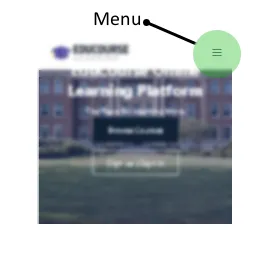
Use the menu
Open up our menu options by clicking on the menu icon.
Choose Sign In
From the menu options click on the Sign In button

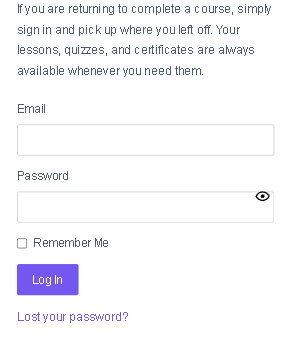
Fill in the Sign In form
Enter your email address and password you set during Registration.
You’re now signed in
If you’re unable to sign in because of a forgotten password, you can choose “Lost your password”. For more information on how to reset your password follow our forgotten password guide.