
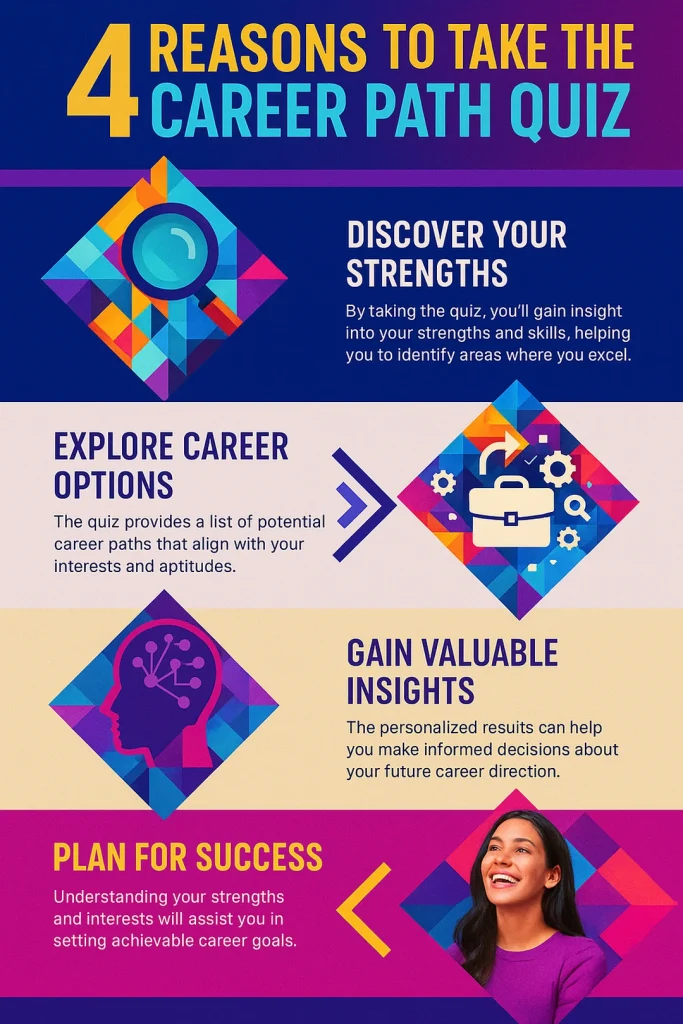
Choosing what to learn next should feel clear, practical, and confident. Our Career Path Quiz is a skills-matching tool designed to help you identify the learning path that best fits your interests, strengths, and preferred working style. You’ll answer a short set of questions, and your result will recommend a focused pathway with courses you can start immediately on EduCourse.
This page explains how the quiz calculates your result, what your percentages mean, and how to use your outcome to build real skills over time.
What This Tool Is Designed To Do
The quiz is built to help you make a smarter training decision by matching your answers to a skills pathway. Each pathway groups together real-world skills that are commonly used in workplaces and professional environments. Your results will show:
A recommended career path based on your strongest alignment
A skill profile breakdown showing how your answers aligned across multiple pathways
Recommended courses that fit your result
Examples of roles where these skills are commonly used
This is not a job placement system. It is a structured guide that helps you learn with direction, build confidence, and follow a clear progression instead of guessing what to study next.
Step 1: You Answer Practical Questions
The quiz uses simple, real-life questions that focus on how you prefer to work. These questions are designed around common work preferences such as:
Whether you enjoy structure, routines, and organisation
Whether you prefer accuracy and working with information
Whether you enjoy communication and helping people
Whether you prefer digital tools and independent work
Whether you are interested in business thinking and growth
Whether you enjoy teaching, explaining, and guiding
Whether you are drawn to care, hygiene, and safety routines
Your answers help the quiz identify which skills you naturally lean toward right now.
Step 2: Each Answer Adds Points To Skill Pathways
Each multiple-choice option is linked to one or more pathways. When you select an answer, the quiz adds points to the pathways that best match that option. Over the full quiz, these points build a clear picture of your preferences and strengths.
This approach is reliable because it focuses on patterns across your answers rather than one question deciding your result. It also means your result reflects your overall direction, not a single moment.
Step 3: Your Result Is Your Strongest Match
At the end, the quiz compares your final pathway scores and identifies your strongest match. This becomes your recommended career path. Your result is then displayed with:
A clear pathway description
Recommended EduCourse courses to start with
Common roles that use these skills
A next step to help you begin confidently
If you scored high across more than one pathway, that’s normal. Many people have balanced strengths. In that case, you can start with one pathway first and add another later to broaden your skills.
What the Percentage and Skill Profile Mean
On your results screen, you’ll see a chart and progress bars. These are not a measure of intelligence or ability. They simply show how strongly your answers aligned with each pathway.
A higher percentage means your answers consistently matched that pathway’s skill style. A lower percentage means it was less aligned with your current preferences.
This helps you understand your learning direction and decide what to focus on first.
The Skills Pathways Included in the Quiz
The Career Path Quiz matches you to one of these skills pathways:
Office & Administration Path
Data & Information Path
Customer Interaction Path
Digital & Remote Work Path
Business & Entrepreneurship Path
Education & Language Path
Care & Community Support Path
Each pathway connects directly to relevant EduCourse courses so you can move from assessment to training immediately.
How to Use Your Result the Smart Way
To get the best outcome, use your result as a learning plan:
Start with the first recommended course and complete it fully
Add the second course only once you feel comfortable with the first
Focus on consistency over speed
Build one strong skill set before you branch into another pathway
If you are new to computers or want a stronger foundation, start with the Basic Computer Course first. That foundation makes every other course easier and improves your confidence quickly.
Certificates and What They Represent
EduCourse provides skills training and certificates of completion when course requirements are met. These certificates confirm that you completed the learning content and achieved the course outcomes.
They support learning records and skills development, but they are not academic qualifications. The Career Path Quiz is designed to guide your training decisions and does not guarantee employment.
Who This Tool Is Best For
This tool is helpful if you:
Want a clear starting point for online learning
Prefer structured guidance instead of guessing
Want to build practical skills for productivity and confidence
Are exploring training options and need direction
Want a personalised learning path that fits your goals
Ready to Get Your Result?
If you want a clear learning direction, take the Career Path Quiz now and receive your personalised pathway result with course recommendations.
Take the Career Path Quiz on EduCourse and start building skills at your own pace.