
To use Spell Check & Print Email
Login to save your progress and get your certificate.
Your course progress is only saved when you are logged in.
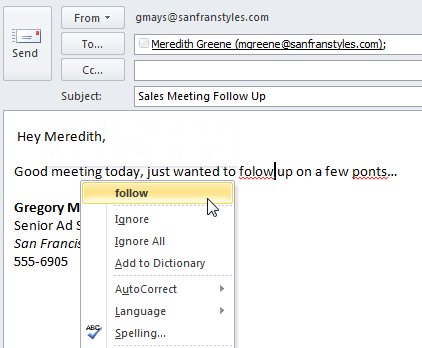
- Whenever you’re composing an email, it’s important to make sure your message is free from spelling and grammatical errors. Some spelling errors will be detected automatically as you write your message, which should feel familiar if you’ve ever used the Spell Check feature in Microsoft Word.
To print email messages
If you need to reference or document an important message away from your computer, it’s easy to print an email message.
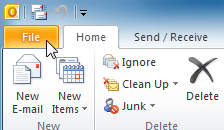
- Click the File tab on the Ribbon.
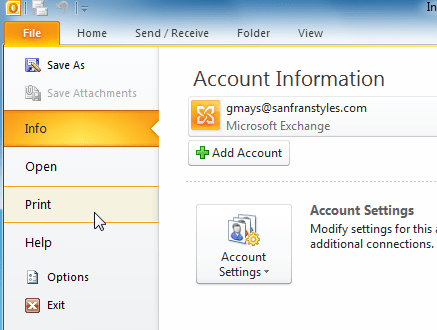
- Backstage view will appear. Locate and select Print.
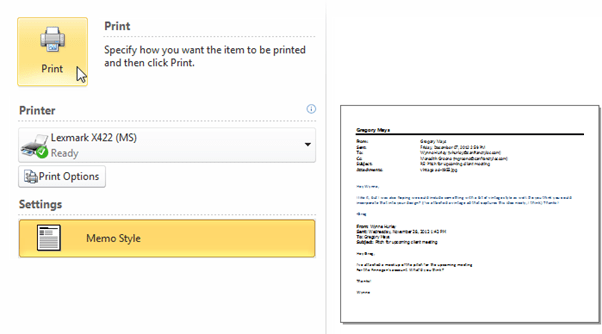
- The Print pane will appear. Choose your settings, then click Print .
Want to save your place in this course?
Login or register to save progress and work toward your certificate.