Stopping a Slide Show
Track Your Course Progress
You are currently studying as a guest. Your course progress and quiz results will not be saved unless you login to your EduCourse account. Login to track your progress and qualify for your certificate.
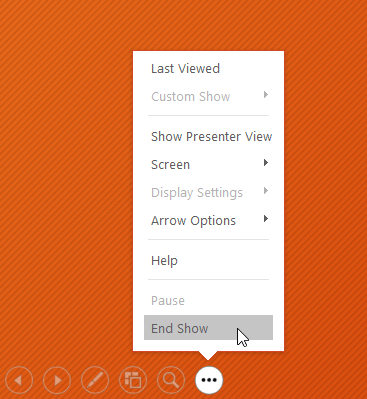
You can exit presentation mode by pressing the Esc key on your keyboard. You can also click the Slide Show Options button in the bottom-left and select End Show.
The presentation will also end after the last slide. You can click the mouse or press the spacebar to return to Normal view.