
Securing Mobile Devices and Computers
Securing mobile devices and computers is essential to protect your personal information, work data, and privacy. These devices are often targets for hackers because they hold valuable data and provide access to online accounts and services. Knowing how to secure your devices helps prevent theft, loss, and cyber attacks.
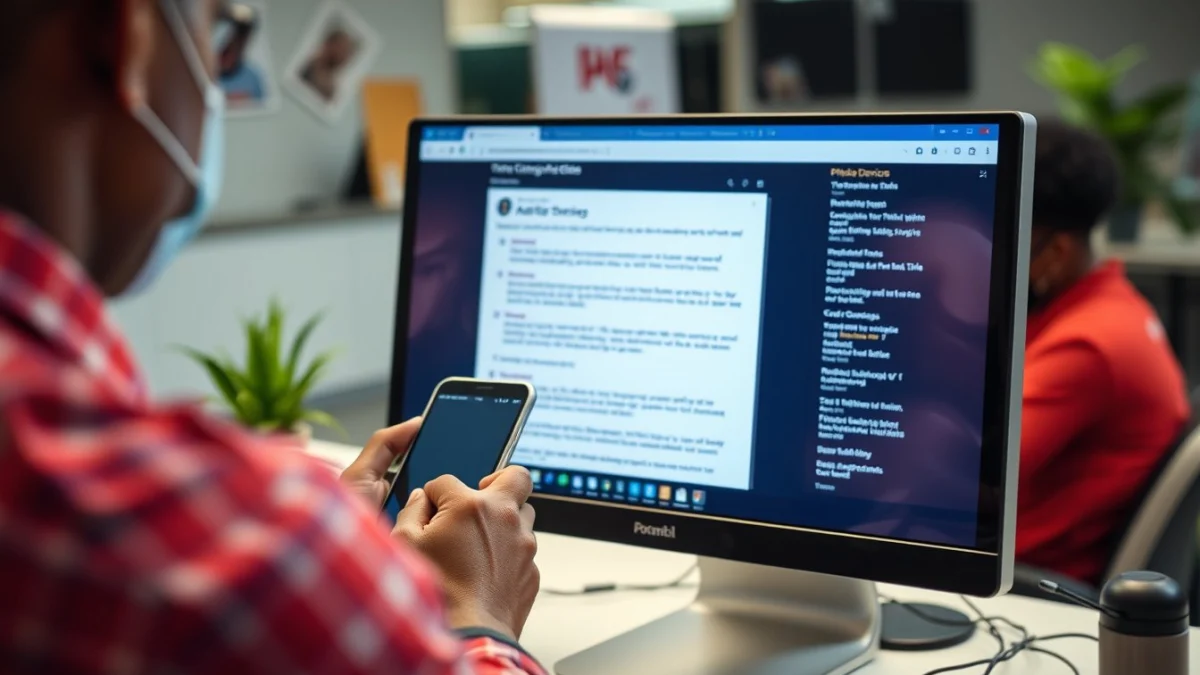
Simple Steps to Keep Your Devices Safe
Start by setting strong passwords or PINs for your devices. Avoid using obvious codes like 1234, your birthday, or simple words. Make passwords difficult by mixing letters, numbers, and special characters. Use different passwords for different accounts and devices whenever possible.
Enable biometric security features such as fingerprint scanners or facial recognition if your phone or computer supports them. These add an extra layer of protection that is difficult to copy or steal.
Essential Practices for Securing Devices
- Keep Software Updated: Regularly install updates for your operating system, apps, and antivirus software. Updates fix security weaknesses that hackers exploit.
- Use Antivirus and Anti-Malware Tools: These help detect and remove harmful software that can steal data or damage your device.
- Be Careful with Public Wi-Fi: Avoid logging into sensitive accounts on open Wi-Fi networks. If you must use public Wi-Fi, consider using a Virtual Private Network (VPN) for extra security.
- Backup Your Data: Regularly save copies of your important files on external drives or cloud services. This protects your information if your device is lost or infected by ransomware.
- Lock Your Screen: Always lock your device when not in use. This prevents unauthorised access if someone gets physical hold of your phone or laptop.
- Watch Out for Suspicious Links and Messages: Don’t click on unknown links or open attachments from strangers. These can install malware or phishing scams on your device.
Additionally, secure your device’s settings by turning on device encryption where available. Encryption converts your data into code that only you can unlock. This keeps your information safe even if the device is stolen.
Remember to review app permissions on your mobile devices. Only allow apps to access your camera, microphone, or location if it is necessary. Restricting these helps protect your privacy.
When disposing of old devices, delete all personal data completely. Use factory reset options or specialised software to ensure no one can recover your information.
By following these practical tips for securing mobile devices and computers, you reduce the risk of cyberattacks and keep your personal and work data safe. Being careful with your devices builds good cyber security habits that will protect you now and in the future.
Live Scenario • Active Situation
You are an IT support technician in a busy office responsible for securing mobile devices and computers.
There is no single perfect answer. Choose what you would do in this situation.
