
Creating Strong Passwords and Using Password Managers
How to Protect Your Online Accounts Safely
Creating Strong Passwords and Using Password Managers are important steps to keep your online accounts safe. A strong password helps stop hackers from getting into your accounts. Password managers help you remember lots of passwords without writing them down or using the same one everywhere.
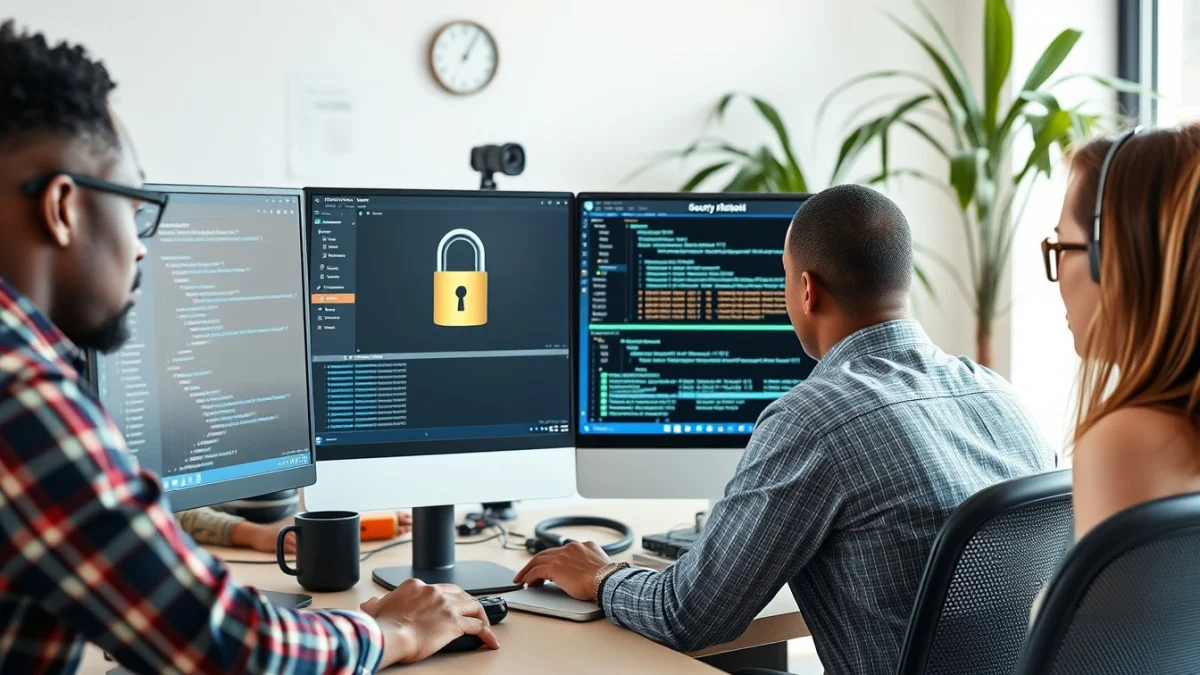
When you create a password, it must be hard for others to guess. Use a mix of letters, numbers, and symbols. The longer your password, the better. Aim for at least 12 characters. Avoid using common words, names, birthdates, or simple patterns like 12345 or qwerty.
Here are some tips for creating strong passwords:
- Use a combination of uppercase and lowercase letters.
- Include numbers and special characters like @, #, or !.
- Do not use personal information that others can find easily.
- Make your password a phrase or sentence that is easy to remember but hard to guess.
- Change your passwords regularly, especially if you think your account was hacked.
Even with strong passwords, it can be hard to remember all of them if you have many accounts. This is where password managers come in handy. A password manager is a secure app or program that stores all your passwords in one place. You only have to remember one master password to open the manager.
Using a password manager has many benefits:
- You can generate very strong, random passwords for every account.
- The manager fills in passwords automatically, saving time.
- Passwords are encrypted, which means they are stored safely.
- You don’t need to write passwords on paper or use the same password everywhere.
When choosing a password manager, look for one that is trusted and well-reviewed. Many password managers offer free versions or are included with antivirus programs. Make sure to set a very strong master password because it protects all your other passwords.
To stay safe online, do not share your passwords with others. Avoid writing passwords down where others can find them. Also, enable two-factor authentication (2FA) on your accounts when available. This adds an extra layer of protection by asking for a code sent to your phone or email in addition to your password.
In summary, Creating Strong Passwords and Using Password Managers work together to improve your device and password security. Strong passwords protect your accounts, and password managers make it easier to use the best ones. Follow these steps to avoid online risks and keep your personal information safe.
Live Scenario • Active Situation
You are an IT support assistant managing device and password security at a busy office.
There is no single perfect answer. Choose what you would do in this situation.
