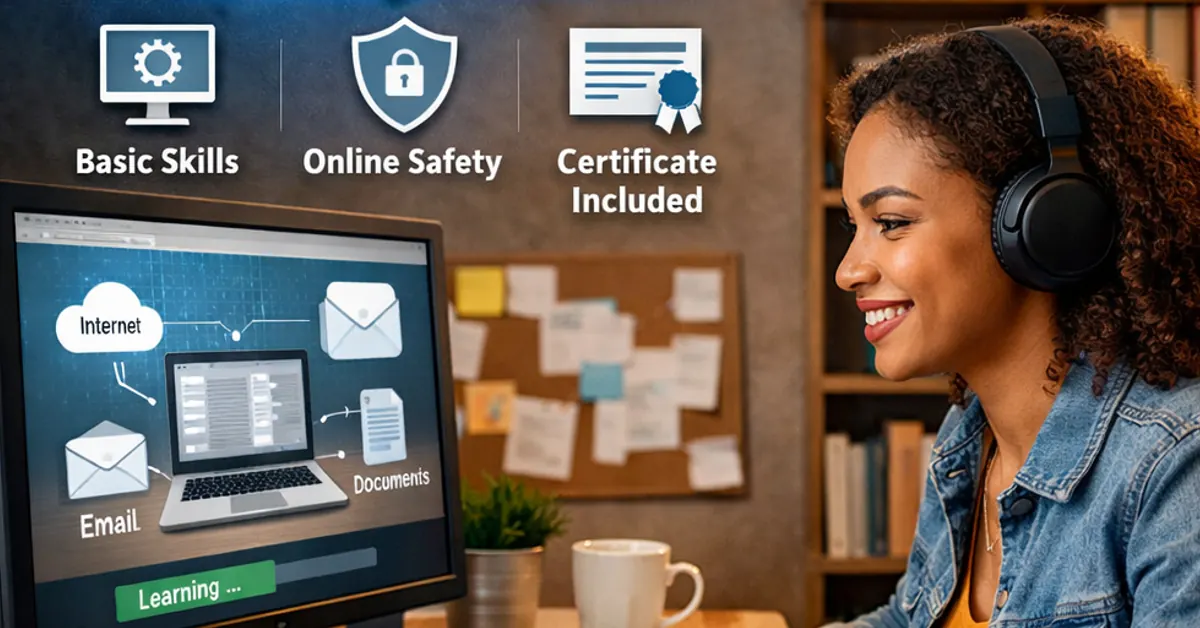

A computer literacy course is one of the fastest ways to build confidence with computers — especially if you’re starting from scratch. Whether you need computer skills for school, daily life, or to improve your digital ability, the right course helps you learn the basics step by step.
In this guide, you’ll learn what a computer literacy course includes, who it’s for, what skills you’ll gain, and where to enrol in a free online computer literacy course with a certificate.
What Is a Computer Literacy Course?
A computer literacy course teaches the essential skills needed to use a computer safely and effectively. It focuses on foundational knowledge like understanding computer parts, working with files and folders, using basic hardware like a keyboard and mouse, and learning what an operating system does.
Computer literacy is not about “advanced IT.” It’s about learning the basics clearly, so you can use a computer confidently for everyday tasks.
Who Should Enrol in a Computer Literacy Course?
A computer literacy course is designed for beginners. It’s a strong fit for:
- Learners who are new to computers
- Students who want stronger digital foundations
- Adults returning to learning
- Anyone who wants to improve computer confidence
- People who want structured learning with quizzes and progress tracking
If you’ve ever felt unsure about files, folders, shutting down properly, or how computers work, a computer literacy course is the right starting point.
What You’ll Learn in a Computer Literacy Course
A good online computer literacy course should cover both understanding and practical usage. Here are the core areas most beginners need:
1) Computer basics and how computers evolved
You learn what computers are, how they developed over time, and why modern devices work the way they do.
2) Computer components and what they do
You’ll understand the purpose of key parts like:
- CPU, RAM, storage (HDD/SSD)
- motherboard, power supply
- monitor, keyboard, mouse
- common accessories like printers and speakers
3) Safe switching on and shutting down
You’ll learn proper shutdown methods and what to do if a computer freezes.
4) Using a keyboard, mouse, and trackpad
A true computer literacy course teaches practical basics:
- typing letters, numbers, capitals
- punctuation and special keys
- clicking, double-clicking, right-clicking
- drag and drop
- trackpad basics on laptops
5) Files, folders, and digital documents
This is one of the most important computer literacy skills. You learn:
- what files and folders are
- how to create, rename, move, and delete
- how to search for files using Windows search
- how to use File Explorer confidently
6) Removable drives (USB, discs, and storage)
You’ll learn where ports are located and how to open and manage files from external storage safely.
7) Operating systems explained
You’ll understand what an operating system is, why it matters, and what it controls on your computer.
Is a Computer Literacy Course Difficult?
A beginner computer literacy course should not feel difficult — it should feel structured.
Most learners struggle only when lessons are too fast or assume prior knowledge. A good course starts with the basics, explains terms in plain language, and includes quizzes or checkpoints so you can confirm you understand before moving on.
Can You Do a Computer Literacy Course Online?
Yes — and online learning is one of the easiest ways to build computer literacy because you can:
- learn at your own pace
- repeat lessons anytime
- study from home (or anywhere with internet access)
- build confidence without pressure
If flexibility matters to you, an online computer literacy course is usually the best choice.
Free Computer Literacy Course With Certificate (Online)
If you’re looking for a free computer literacy course with a certificate, you can enrol here:
Free Computer Literacy Course (Online) – EduCourse
👉 https://www.educourse.co.za/courses/basic-computer-course/
This course is designed for beginners and includes structured topics and quizzes so you can learn progressively and confidently.
How Long Does a Computer Literacy Course Take?
It depends on your pace. Many learners complete a computer literacy course in a few days to a few weeks.
A good approach is to study in short sessions (20–40 minutes) and practice what you learn immediately — especially file management and mouse/keyboard skills.
How to Choose the Right Computer Literacy Course
Before you enrol, use this checklist. A strong computer literacy course should be:
- Beginner-friendly (no experience required)
- Structured (clear lessons and progress)
- Practical (files, folders, keyboard, mouse)
- Supported with quizzes (to reinforce learning)
- Accessible online (study anytime)
- Certificate included (if you need proof of completion)
If a course matches these, you’re more likely to finish it and actually gain usable skills.
Frequently Asked Questions About Computer Literacy Courses
What is computer literacy?
Computer literacy means having the basic skills to use a computer safely and effectively — including understanding parts of a computer, using an operating system, managing files, and working with common tools.
Is computer literacy the same as computer basics?
They overlap. “Computer basics” often focuses on beginner usage, while “computer literacy” usually includes both understanding and practical skill.
Can beginners really learn computer literacy online?
Yes. Many beginners learn faster online because they can replay lessons and practice at their own pace.
Do I need a laptop to do a computer literacy course?
A laptop or desktop is best for learning properly, especially for files/folders and keyboard skills. Some lessons can be read on a phone, but practice is easier on a computer.
Start Your Computer Literacy Course Today
A computer literacy course is a powerful first step into digital confidence. Once you understand hardware, files, folders, operating systems, and everyday computer use, everything else becomes easier — from online learning to digital tools.
If you’re ready to start, enrol here:
👉 https://www.educourse.co.za/courses/basic-computer-course/