
Writing Professional Emails Using ChatGPT
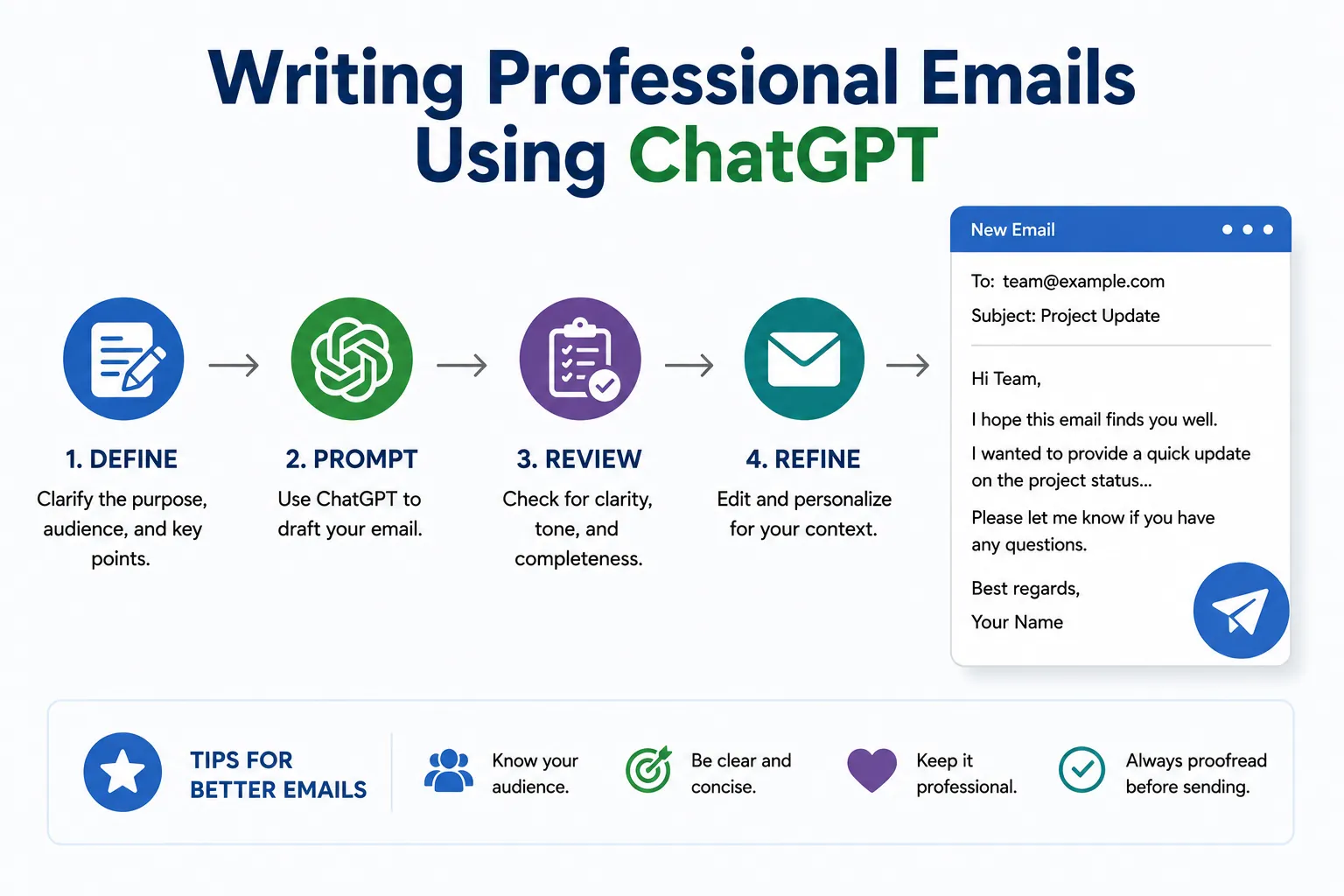
How ChatGPT Helps You Write Clear, Professional Emails
Writing Professional Emails Using ChatGPT is a smart way to save time and improve how you communicate at work. Whether you need to send a report, request information, or reply to a client, ChatGPT can help you write emails that sound professional and clear. This lesson shows you how to use ChatGPT to boost your email skills and increase your productivity.
Many learners find it difficult to start writing emails or struggle to express themselves clearly. ChatGPT acts like a writing assistant. You type a few details about your message, and it suggests sentences or paragraphs that you can use. This helps you avoid spelling mistakes, awkward phrasing, and unclear language.
Here are some practical steps to follow when writing a professional email using ChatGPT:
- Start with the purpose: Tell ChatGPT what the email is about. For example, “Requesting a meeting on Monday.”
- Add important details: Include names, dates, or any other relevant info. This helps ChatGPT create accurate content.
- Ask for a formal tone: Specify if you want the email to be polite, concise, or friendly.
- Review the suggested text: Read what ChatGPT creates and make sure it fits your needs.
- Edit if needed: You can change words or sentences to sound more like you.
- Send with confidence: Your email should now be clear, correct, and professional.
Here is an example. You want to write an email to ask your manager for leave next week. You can type:
“Write a polite email to my manager asking for leave from 1 to 5 next month.”
ChatGPT will give you a ready-to-send email, which you can copy or adjust. This saves you time and improves how you come across.
Tips for Best Results When Using ChatGPT for Email Writing
- Be clear and specific with your instructions.
- Use simple language to describe your email’s purpose.
- Double-check grammar and facts before sending.
- Keep your messages brief and to the point.
- Use polite greetings and closings appropriate to your workplace.
Using ChatGPT for writing professional emails increases your confidence and helps maintain good communication at work. With practice, you will write faster and more effectively, making a great impression on your colleagues and clients.
In this course, “ChatGPT for Beginners Certificate Course,” learning how to use ChatGPT for Workplace Productivity includes mastering professional email writing. This skill will help you succeed in any job that requires clear and professional communication.
Live Scenario • Active Situation
You are a project coordinator at a busy consulting firm.
There is no single perfect answer. Choose what you would do in this situation.
