Quick Answer
The best Microsoft PowerPoint skills for beginners include making slides, using transitions, organising slides, and running the presentation smoothly. Learning these basics helps you create clear, professional presentations quickly, which is useful for students and workers in South Africa.
Starting with PowerPoint can feel tricky, but knowing the right skills makes all the difference. These basics save time and help you make presentations that others can understand easily, which is important in studies and jobs.
Why Knowing PowerPoint Basics Matters
PowerPoint is widely used in school, work, and meetings to share ideas visually. For beginners, having good PowerPoint skills means you can make your message clear and look professional without stress. This can boost your confidence when presenting, whether it’s a school project, a job report, or a business pitch.
In South Africa’s competitive environment, clear communication through presentations can set you apart. Many employers expect basic digital skills, and PowerPoint is often required. Learning it well from the start helps build your overall IT abilities.
Fundamental Microsoft PowerPoint Skills for Beginners
Starting with PowerPoint means focusing on a few basic skills that cover most presentation needs:
- Creating and organising slides: Know how to add new slides, choose layouts, move slides around, duplicate or delete them. This helps your presentation flow clearly.
- Formatting content: Learn to add and format text, images, and simple charts. Keep fonts clear and consistent.
- Using transitions: Apply smooth visual effects between slides to keep the audience engaged without distracting them.
- Running the slide show: Use Presenter View, navigation tools, and know how to pause or skip slides confidently.
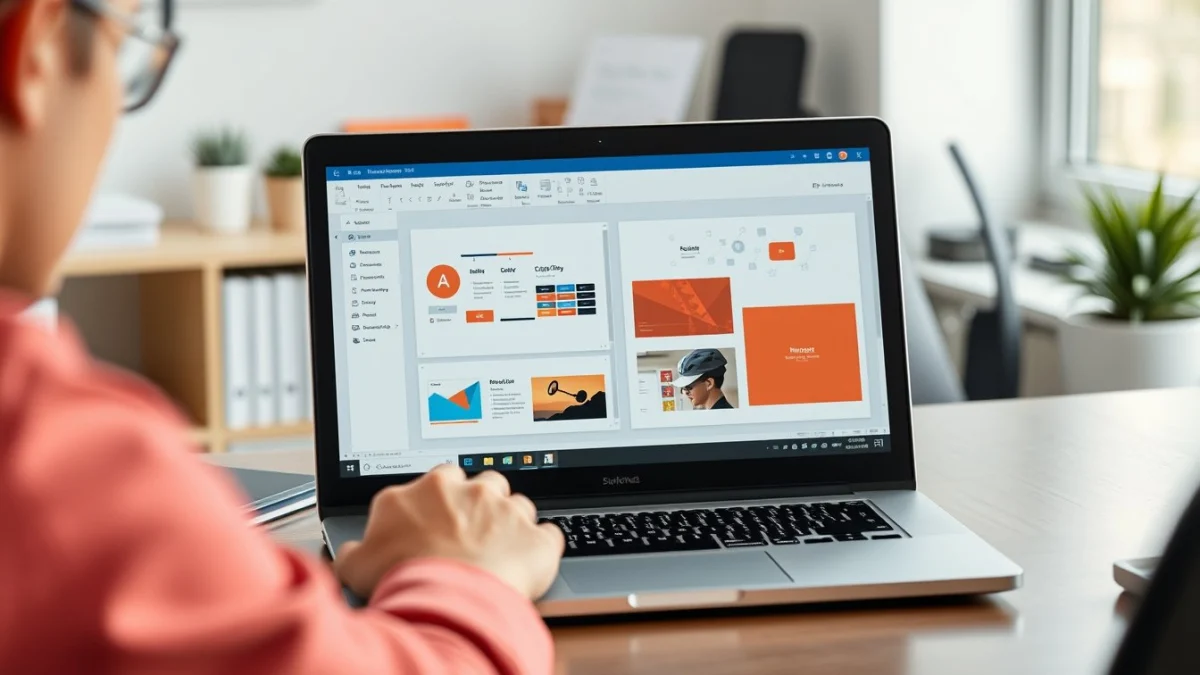
Online beginner courses show you the PowerPoint screen, menus, and how to save your work properly, which is key to avoid losing progress.
Common PowerPoint Mistakes Beginners Should Avoid
It’s easy to overload slides with too much text or too many effects. Avoid these mistakes:
- Too much text: Slides are for summarising points, not paragraphs. Use bullet points and keywords.
- Inconsistent design: Stick to one or two fonts and matching colours throughout.
- Overuse of animations: Limit transitions and effects to keep the focus on your message.
- Not practising: Run through your slides to avoid fumbling or getting lost during your presentation.
Keep slide design simple, readable, and clean. This helps your audience understand your message without distractions.
How to Learn PowerPoint Easily in South Africa
Many beginners struggle because they try to learn too much at once or jump straight into complex features. The easiest way is to follow a step-by-step beginner course. This builds your confidence and skills gradually.
EduCourse offers a free Microsoft PowerPoint Certificate Course that guides you through the basics, from slide creation to using presenter tools. Learning online lets you practise at your own pace and get a certificate to show your new skills.
Using quizzes and practical tasks helps you remember and apply what you learn. Most South African learners find this approach effective for quickly becoming comfortable with PowerPoint.
Moving Beyond the Basics
Once you feel confident with basic slide making and presenting, you can explore adding videos, audio, and custom templates. These tools add polish when used well.
Also consider developing related skills in Microsoft Word and Excel, which are often used together in workplaces. These programs help complete the full range of common office tasks.
FAQs
What is the easiest way to start learning PowerPoint?
Can I get a free PowerPoint certificate online in South Africa?
What are common mistakes beginners make in PowerPoint?
How long does a beginner PowerPoint course take?
Ready to get started with practical PowerPoint skills? Check out the free Microsoft PowerPoint Certificate Course at EduCourse and take your presentations to the next level for school or work.