
Seriti New Denmark Colliery Code 14 Training Opportunities

Seriti New Denmark Colliery
Job Title: Code 14 Training
Location: Mpumalanga, South Africa
Job Type: Part Time
Seriti New Denmark Colliery has announced exciting Code 14 Training Opportunities just for young people living in the Lekwa Local Municipality as part of its ongoing commitment to empowering local communities. This program aims to help unemployed young people by giving them professional driving skills, which will make them more likely to get jobs in the transportation and mining industries.
The Program’s Goal
The program’s goal is to lower the high youth unemployment rate in Lekwa by giving eligible people the chance to improve their driving skills. When students pass the Code 14 test, they will be able to drive heavy-duty vehicles and get jobs driving them. This will make it easier for you to get jobs in logistics, construction, mining, and other fields that deal with transportation.
Who Can Apply?
The training opportunity is for local young people who meet the following requirements:
- To be eligible, you must be a South African citizen living in Lekwa Local Municipality.
- Must be unemployed right now.
- Age: People who want to apply must be between 18 and 35 years old.
- You must already have a valid Code 10 Driver’s License in order to get this license.
Documents Needed to Support
To be considered for this chance, applicants must send in the following documents:
- A certified copy of the property owner’s South African ID.
- A recent bill for water and electricity as proof of residence.
- The application must clearly state the ward number and full address of the home.
- A valid Code 10 driver’s license.
Please be aware that applications that don’t include all the necessary documents will not be looked at.
Why This Is Important for Lekwa Youth
These kinds of chances are more than just ways to get training; they are also ways to get long-term jobs. There is a need for heavy-duty driving skills all over South Africa. Seriti’s investment in training makes sure that local communities directly benefit from the company’s development projects. By putting the needs of Lekwa residents first, the program makes sure that young people in the area have access to meaningful opportunities in their own community.
How to Apply
People who are interested should get their applications ready by gathering the necessary paperwork and making sure that all of the information is correct and current.
Applications must be submitted at: Seriti Information Hub, 24 Krogh Street, Standerton
DOWNLOAD THE SERITI NEW DENMARK COLLIERY CODE 14 TRAINING OPPORTUNITIES ADVERT HERE
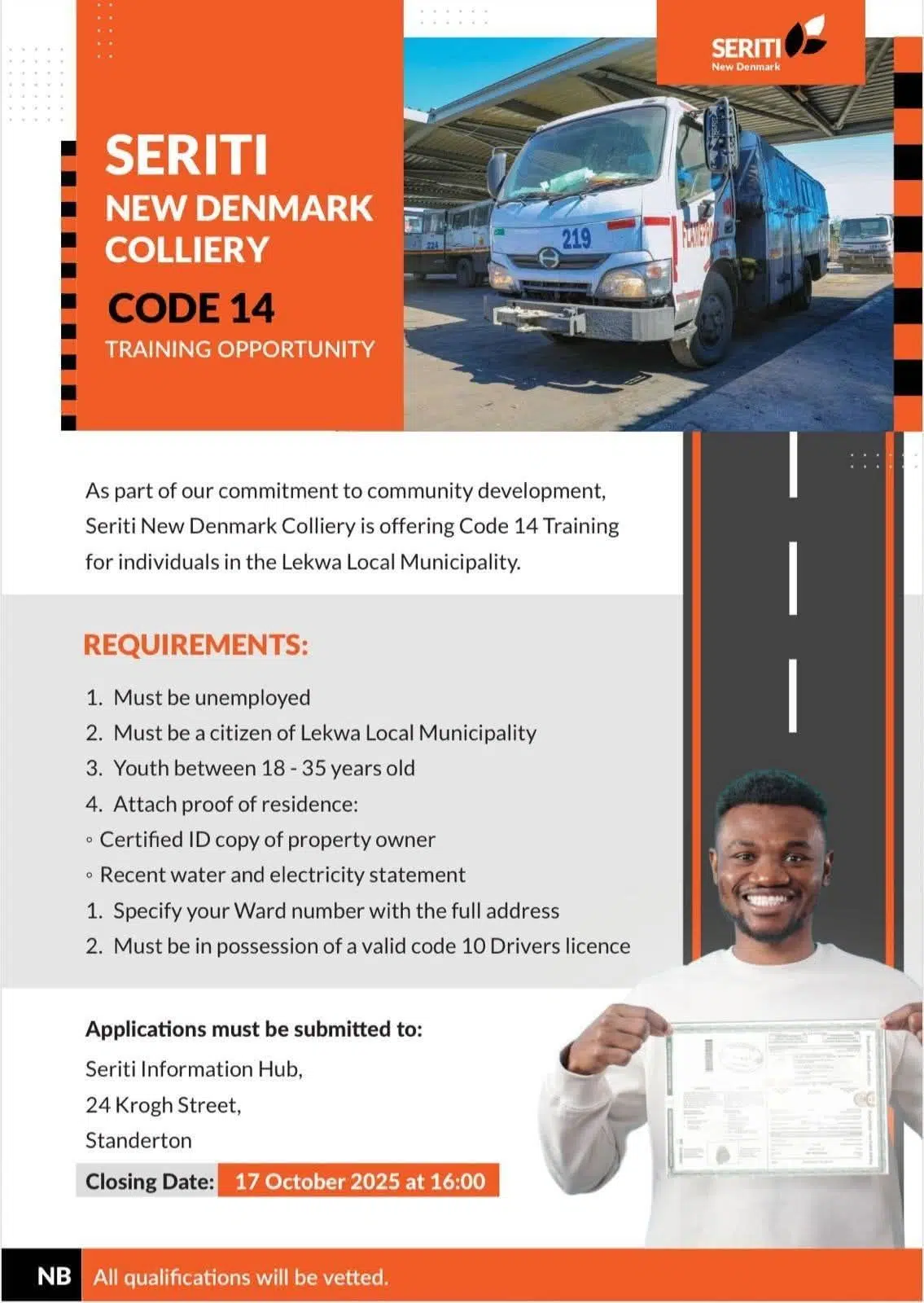
CLOSING DATE: 17 OCTOBER 2025