
How to register an account
This easy-to-follow guide will walk you step by step through the process of registering an EduCourse account using your email address. It explains how to create your account, verify your details, and get started on the platform so you can access courses, track your progress, and begin learning with confidence.
Use the Menu
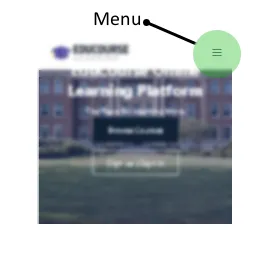
The first step is to click on the menu icon to bring up the main menu. If you’re on desktop you will see a signup button located on the top right of our page.
Choose Signup
Use our menu options to choose the Signup button.

Fill in the Registration Form
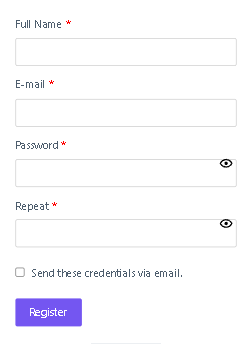
Complete the registration form with your correct information.
Quick Tip: Add your full name in the field, this ensures your certificates will include your name and surname.
Click the Register button
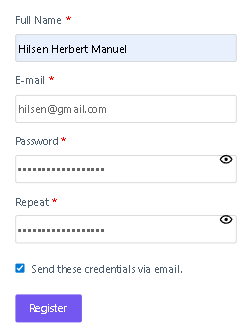
After filling in your information, hit the register button. You will receive a confirmation message and an email for your account information.
You’re now registerd!
Congratulations
You will be automatically signed into your account after registration. You will also be able to log in anytime using the email you just entered plus the password. Keep your password in a safe place so you don’t forget it.
Quick Tip: If you’ve lost your password or can’t remember it just use our recover password page to reset your password. The guide to reset your password can also be found in the help centre.
