How to Get a Computer Literacy Certificate in South Africa
If you want to know how to get a computer literacy certificate in South Africa, the process is usually simple. You choose a beginner-friendly course, complete the lessons, pass the assessments, and then receive your certificate. Many learners start with a computer literacy certificate South Africa course online because it is flexible, practical, and easy to fit into a busy schedule.
Quick Answer
To get a computer literacy certificate in South Africa, start by enrolling in a beginner-level course that teaches basic computer skills, email, internet use, and common office tools. Complete the modules, finish the assessments, and choose a course that matches your goals and learning level.

What Is a Computer Literacy Certificate?
A computer literacy certificate shows that you understand basic computer skills and can use digital tools with confidence. This usually includes tasks such as using a keyboard and mouse, creating documents, browsing the internet, sending emails, and working with common office software.
For beginners, this type of certificate is often the best starting point because it focuses on practical everyday skills instead of advanced technical work. It helps build confidence before moving on to subjects such as Microsoft Excel, data entry, administration, or digital communication.
Steps to Get a Computer Literacy Certificate in South Africa
1. Choose a Beginner-Friendly Course
Start with a course that is clearly designed for beginners. A good computer literacy course South Africa learners can trust should explain basic functions in simple language and guide you step by step.
2. Check What the Course Covers
Before starting, make sure the course includes useful topics such as computer basics, Microsoft Office tools, email, internet use, and file management. This helps you choose a course that teaches practical skills you can actually use.
3. Study the Lessons Consistently
Set aside regular study time each week. Even short daily sessions can help you make steady progress and finish the course faster than studying only once in a while.
4. Complete the Assessments
Most certificate courses require you to complete quizzes, lesson activities, or a final assessment. These checks help confirm that you understand the material and can apply what you have learned.
5. Receive Your Certificate
After finishing the course requirements, you can usually access your certificate. Keep a digital copy for your records and use it where appropriate as part of your learning profile.
What You Will Learn in a Computer Literacy Course
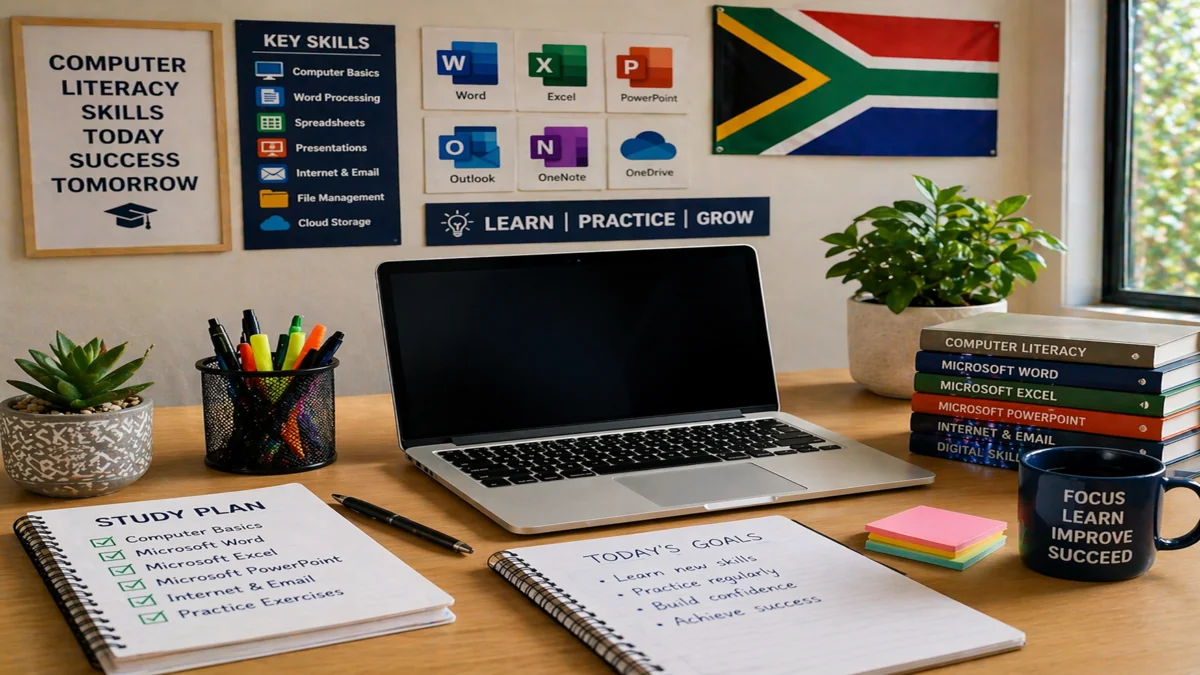
A basic computer literacy course usually focuses on the core skills most learners need first.
- Understanding basic computer functions
- Using a keyboard and mouse effectively
- Managing files and folders
- Creating simple documents
- Using email and internet tools
- Learning introductory Microsoft Office skills
- Building confidence with digital tasks
These skills are useful for study, personal tasks, and many workplace environments where basic digital knowledge is expected.
How to Choose the Right Course
The best course is one that matches your current level and gives you practical value. Some learners want a simple introduction, while others want a course that also supports future learning in administration, Microsoft Office, or data entry.
Ask yourself:
- Is this course designed for beginners?
- Does it cover practical computer skills?
- Can I complete it with my current schedule?
- Is the learning format easy to follow?
- Will it help me build a stronger foundation for other courses?
You can explore broader learning paths through the course categories, view more study options on the browse courses page, or search for related topics like computer literacy.
Common Mistakes to Avoid
Many learners make the process harder than it needs to be. These are some of the most common mistakes:
- Starting with a course that is too advanced
- Choosing a course without checking the lesson topics
- Studying without a routine
- Focusing only on the certificate and not the skills
- Not practising what you learn during the course
The best way to learn is to practise regularly. Open documents, type short paragraphs, organise files, and use email tools as you go through the lessons.
Why a Computer Literacy Certificate Matters
A computer literacy certificate matters because digital skills are now part of everyday life. Learning how to use common tools properly can make study easier, improve confidence, and prepare you for more advanced courses later.
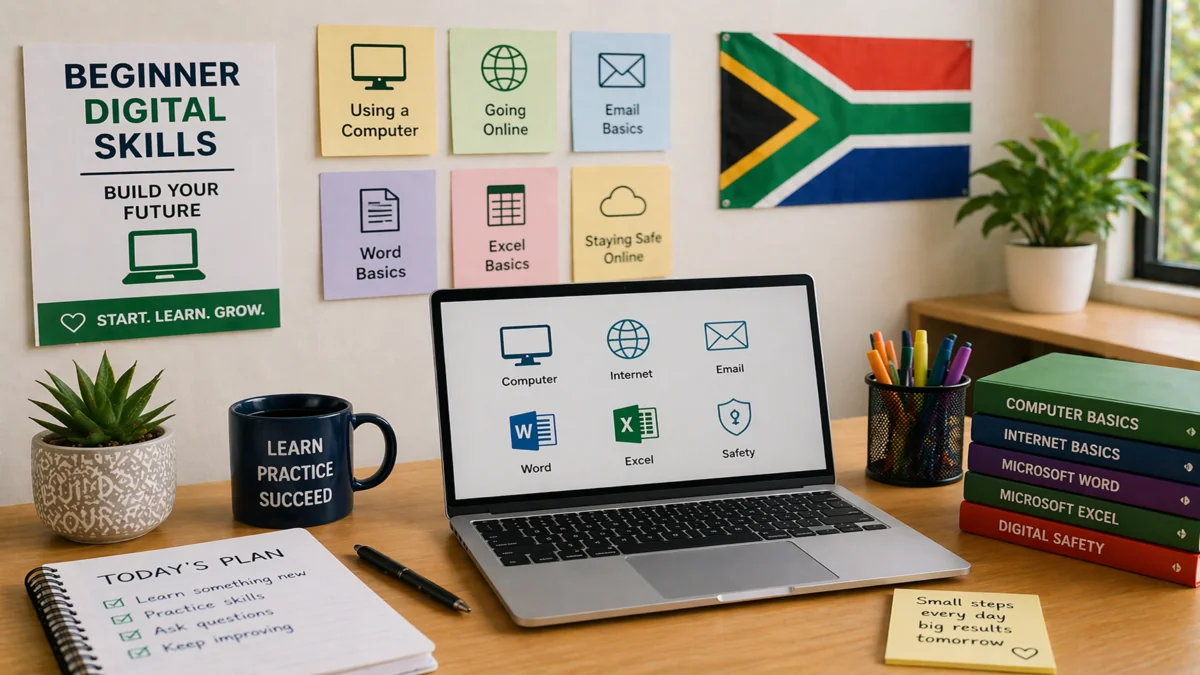
It is also a strong foundation for learning subjects such as Microsoft Word, Excel, PowerPoint, office administration, and data entry. Once you understand the basics, moving into other digital and workplace skills becomes much easier.
Frequently Asked Questions
How do I get a computer literacy certificate in South Africa?
Choose a beginner-friendly course, complete the lessons, pass the assessments, and then access your certificate once you meet the course requirements.
Can I study for a computer literacy certificate online?
Yes, many learners choose online courses because they are flexible and allow you to study at your own pace from home.
What does a computer literacy course usually include?
It usually includes computer basics, file management, internet use, email, and introductory office software skills.
Is a computer literacy certificate good for beginners?
Yes, it is one of the best starting points for beginners because it focuses on essential digital skills in a practical and manageable way.
How long does a computer literacy course take?
The length depends on the course structure, but many beginner courses can be completed over a short period if you study consistently.
What should I do after completing computer literacy training?
After completing the basics, you can continue with subjects such as Microsoft Office, data entry, office administration, or other digital skills courses.
What To Do Next
If you are ready to begin, start with a beginner course and build your confidence step by step. You can explore the course categories, browse more options on the browse courses page, or search for related subjects such as Microsoft Word and data entry once you complete the basics.