How to continue a course
This guide explains how to continue a course you have already started on EduCourse. It shows you how to return to your enrolled course, resume from your last completed lesson or topic, and continue working through the remaining content until the course is fully completed and marked as complete.
In order to continue a course you must be logged in to your account.
Browse Courses
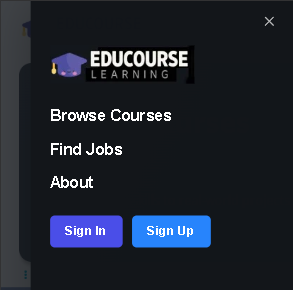
Choose browse courses from the menu
Select the course
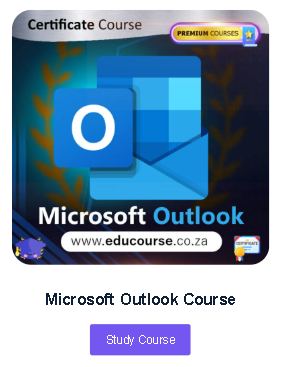
In this example we will continue studying Microsoft Outlook.
View Progress
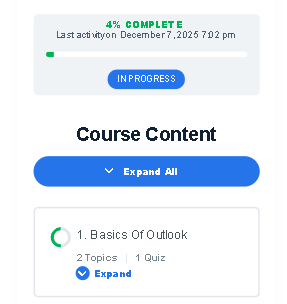
The course progress bar will display how far you’ve gone into a course. This provides a clear overview of your progress and how much of the course remains.
Course Content
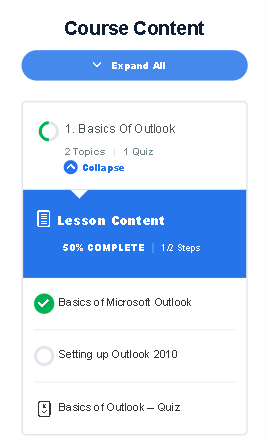
Each lesson includes a green circular progress indicator that shows whether you’ve completed the lesson or still have remaining topics. In the example below, after expanding Lesson 1, you’ll notice a green tick next to the first topic — this confirms that Topic 1 has already been completed.
To continue your course from where you left off, simply select the topic that appears directly after the last green tick. In this example, that would be “Setting up Outlook.”