
Introduction to basic office software and tools
Getting to Know Essential Office Software for School Receptionists
Introduction to basic office software and tools is important for anyone working as a school receptionist. These tools help you manage daily tasks quickly and correctly. Knowing how to use them makes your work easier and helps the school run smoothly.
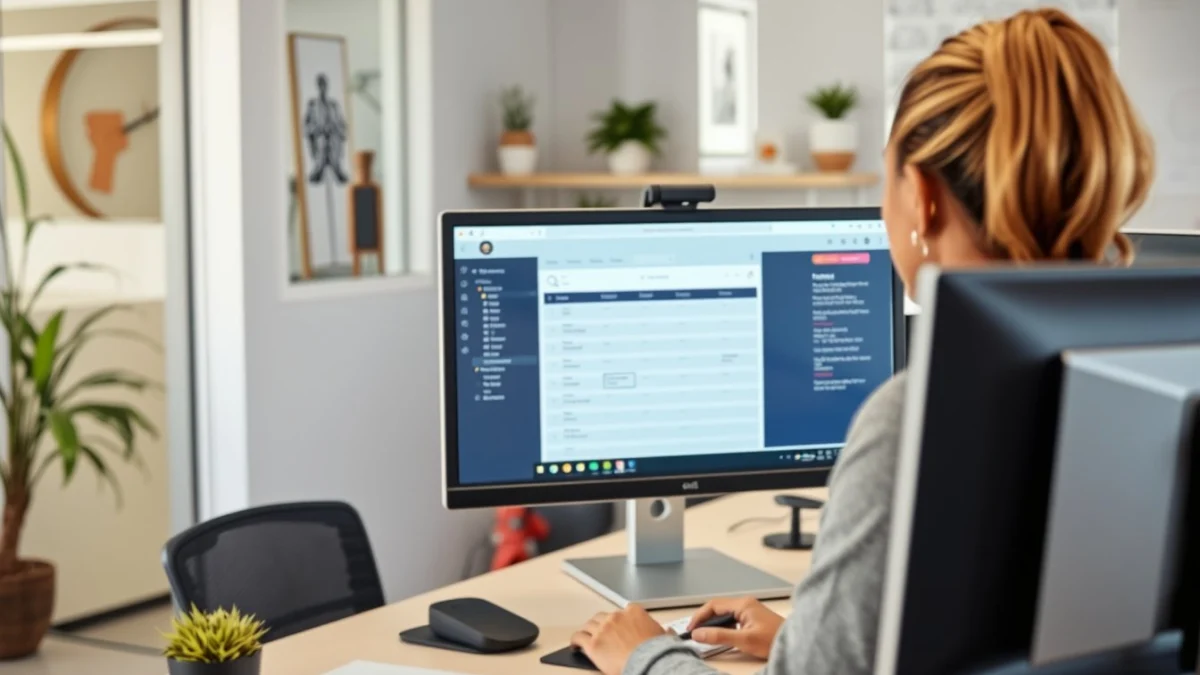
The most common office software you will use includes word processors, spreadsheets, email programs, and calendar tools. These programs help you write letters, keep track of student information, send messages, and organise appointments.
Main Office Software You Need to Learn
- Word Processors: Programs like Microsoft Word or Google Docs. Use them to write letters, notices, and reports.
- Spreadsheets: Tools like Microsoft Excel or Google Sheets. They help you organise data such as student attendance or budgets.
- Email Clients: Outlook or Gmail are common. They allow you to send and receive emails professionally.
- Calendar Tools: Google Calendar or Outlook Calendar help you schedule meetings and keep track of school events.
Besides software, there are useful office tools like printers, scanners, and photocopiers. Knowing how to use these tools is part of being efficient in your role.
Learning basic functions, such as typing and saving documents, creating simple spreadsheets, or booking a meeting on your calendar, can improve your daily workflow. It also helps in communicating clearly with teachers, learners, and parents.
Remember, online tutorials and practice will build your confidence with office software. Schools often have training programs so don’t hesitate to ask for help if you feel unsure.
Mastering these tools saves time and reduces errors. This means you can give better service at the school front office, helping everyone stay informed and organised.
Live Scenario • Active Situation
You are the school receptionist managing office software and tools at the front desk.
There is no single perfect answer. Choose what you would do in this situation.
