
Basic Computer Skills for Personal Assistants
Basic Computer Skills for Personal Assistants are essential to help with daily tasks in an office. Personal assistants use computers to organise schedules, manage emails, prepare documents, and communicate with others. Knowing how to use office technology well makes work faster and more accurate.
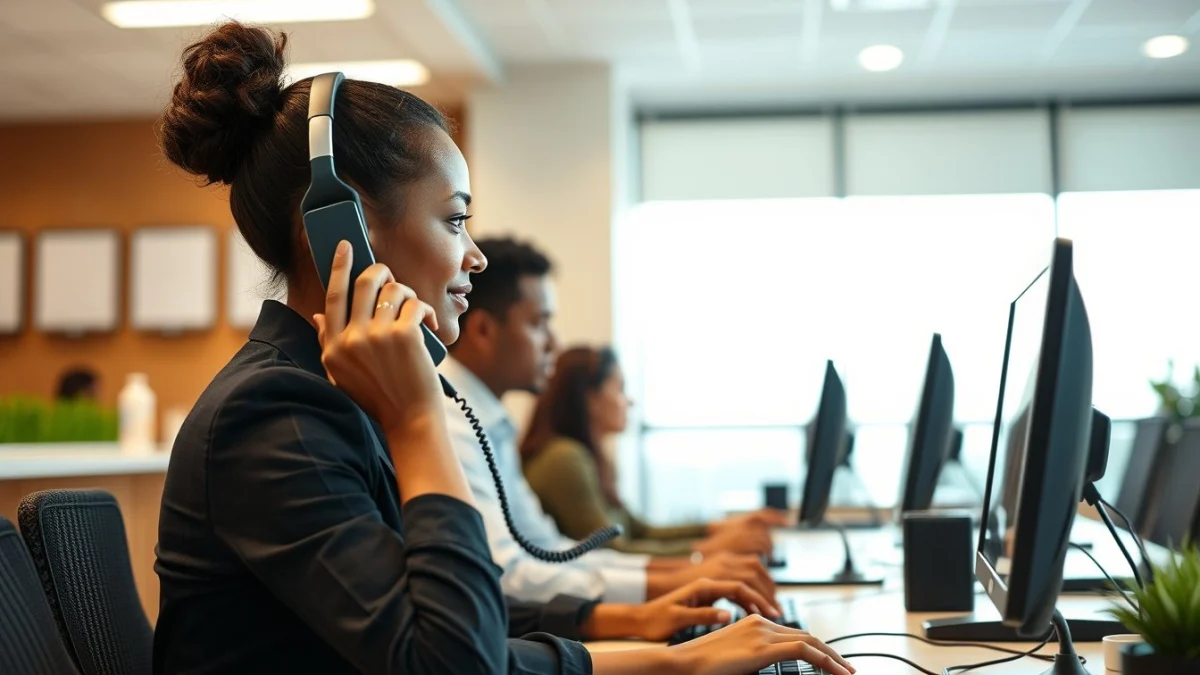
Key Computer Skills for Everyday Tasks
Personal assistants need to be comfortable with several computer programs and tools often found in offices. These include word processing, spreadsheets, email, and calendar apps. Being able to work with these programs allows a personal assistant to support their manager or team better.
Important Computer Skills to Learn
- Word Processing: Use programs like Microsoft Word or Google Docs to write letters, reports, and memos. Know how to format text, check spelling, and save documents correctly.
- Spreadsheets: Use Microsoft Excel or Google Sheets for organising data, making lists, and simple number tasks. Learn to enter data, use basic formulas, and create tables.
- Email Management: Be able to send, receive, and organise emails using programs like Outlook or Gmail. Know how to attach files and use folders to keep emails sorted.
- Calendar and Scheduling: Use digital calendars to plan appointments and meetings. Tools like Microsoft Outlook Calendar or Google Calendar help manage time effectively.
- Internet Use: Safely browse the internet for research or communication. Learn to use web browsers, search engines, and understand online safety rules.
Having these skills helps personal assistants to be more independent and reliable in their role. It also improves their ability to communicate and keep things organised.
Using Office Technology to Improve Productivity
Besides software programs, personal assistants often use office devices like printers, scanners, and photocopiers. Knowing how to operate these devices is important for producing and sharing documents quickly.
Learning to troubleshoot simple problems with these machines will save time and reduce delays. For example, knowing how to connect a computer to a printer or scan documents directly to email is very useful.
Personal assistants should also know about cloud storage options such as OneDrive or Google Drive. Saving files in the cloud allows access from any device and improves collaboration with colleagues.
Tips for Practising Basic Computer Skills
- Start with the basics: Get to know the keyboard, mouse, and computer desktop layout.
- Explore software step-by-step: Practice opening, editing, and saving files.
- Use tutorials and guides: Many free videos and websites offer simple lessons on office programs.
- Ask for help: Don’t hesitate to ask a colleague or trainer if you get stuck.
- Practice regularly: The more you use computer tools, the more confident you will become.
Basic Computer Skills for Personal Assistants open the door to a wide range of tasks and responsibilities. They help you stay organised, communicate clearly, and complete work on time. Focus on building these skills to succeed in any office environment.
Live Scenario • Active Situation
You are a personal assistant managing a busy office schedule and communications.
There is no single perfect answer. Choose what you would do in this situation.
