
Filing Systems and Document Management
How Filing Systems and Document Management Improve Office Efficiency
Filing systems and document management are important parts of organising an office. They help keep all information safe and easy to find. This is very useful for personal assistants, who manage many papers and electronic records every day.
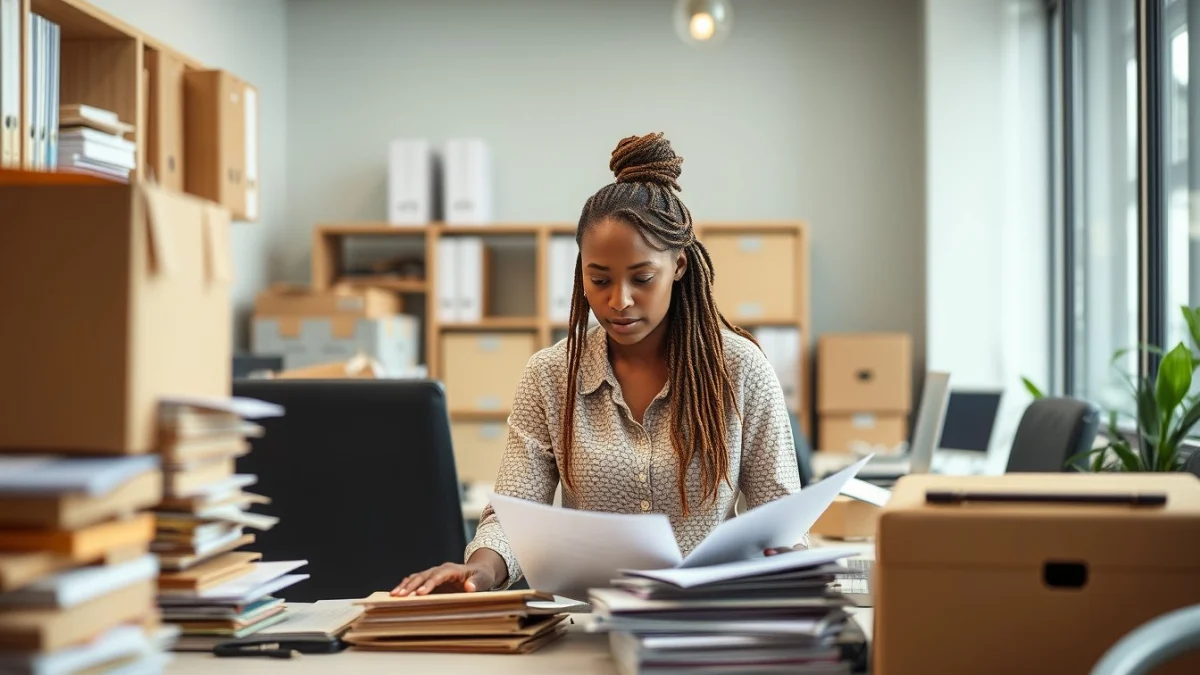
A good filing system means you know exactly where to place documents and how to get them back quickly. It reduces lost paperwork and speeds up your work. Without a filing system, important files can be thrown away or hard to find when needed.
Types of Filing Systems
- Alphabetical filing: Files are arranged by name, such as client or supplier names. This is simple and common.
- Numerical filing: Documents get a number and are filed in order. You keep a list of the numbers and what they belong to.
- Chronological filing: Documents are filed by date, useful for invoices, reports or diary entries.
- Subject filing: Files are sorted by topic or project. This works well for departments or specific tasks.
Choosing the right filing system depends on the type of documents and the way your office works. Some offices use a mix of these methods to suit their needs.
Document Management Basics
Document management is more than just storing papers. It includes organising, protecting, and tracking documents electronically or physically. Modern offices often use computer systems to scan and store files digitally. These systems help find documents with keywords and control who can see or change files.
As a personal assistant, managing both physical and electronic documents well saves time and avoids mistakes. Here are some practical tips:
- Label files clearly with names, dates, or codes that make sense.
- Use folders and dividers to separate different types of documents.
- Keep confidential documents in locked cabinets or password-protected files.
- Regularly check and clean out old or unused files to prevent clutter.
- Back up digital files in more than one place for security.
- Train colleagues on filing systems to keep consistency.
Good filing systems and document management help the office run smoothly. They save you time when looking for files, reduce stress, and increase productivity. Mastering them is a key skill for any personal assistant working in South Africa or anywhere else.
Live Scenario • Active Situation
You are a Personal Assistant at a busy office responsible for organising both physical and electronic documents to improve office efficiency.
There is no single perfect answer. Choose what you would do in this situation.
