
Join thousands of EduCourse Students enjoying EduCourses on our Free Online Learning Platform. An EduCourse account gets you everything you need to start your Online Learning with Tracked Results and an EduCourse Certificate once you complete any Certificate Course.

Here’s what a free EduCourse Account gets you;
- Enroll to Unlimited EduCourses
- Learning Material
- Assessments
- Tracking and Progress
- Student Course Transcript
- Certificate Download in PDF
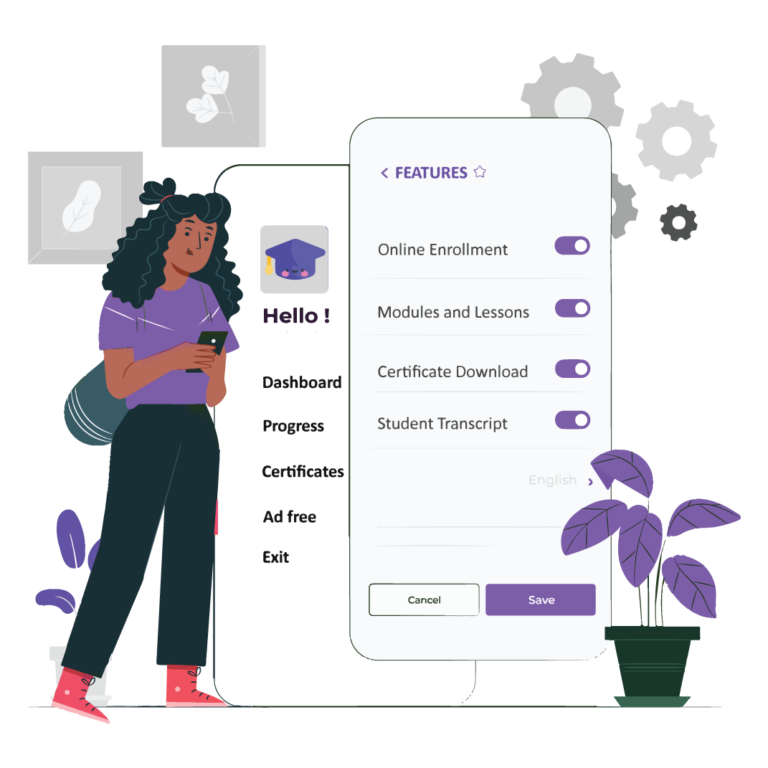
All Course Material including Modules/Lessons/Assessments are Provided to you at no cost.
Each EduCourse has roughly 8 Modules on average, with Lessons in each Module.
Course Tip: To Complete a Lesson click the green “Mark Complete” button during a Course.

All Assessments must be completed before you can receive your Certificate.
To Pass an EduCourse you must;
- Answer all questions
- Score 80% or over
- Complete all Assessments within the Course

Your Certificate will be available in two places after finishing an EduCourse;
- On the Course Page that you used to Enroll into an EduCourse
- On your Student Dashboard – click the “Certificate Icon” next to the Course name.
Certificate Tip: Add your course to your CV after finishing! This shows Recruiters and Employers that you care about your education, future, and well-being by investing in continuous development.
Enrollment is Easy and Free!
Steps to follow;
- Click Sign In on our menu – if you don’t have an account choose Signup.
- Select any course from browse courses.
- Click Enroll in Course.
Each EduCourse has Modules/Lessons/Assessments which are marked and reviewed instantly!
To view Modules/Lessons/Assessments available for any course, you can choose one of these options;
- During the Course – Click the Top Left Blue Arrow to view the Course Information and Detailed Progress.
- On any Course Page – Click “Modules”, you will be given a list and summary of Modules included in this Course.
- During or on a Course Page – the right hand Sidebar shows you a list of Modules included in this Course – for more detailed information use Step 1

To view your Certificates you must Complete a Course and pass all Assessments with 80% or more.
Quick tip: To change the name of your Certificate – you must go to Student Dashboard and Edit Profile.
To view your Certificate follow one of two steps;
- Go to the Course you have completed and click the Certificate Icon or “Download Certificate”
- Go to Student Dashboard from our Menu, Scroll to the Course required and Click the Certificate Icon.
Your Certificate will be Downloaded with your Credentials, Course name, Date and other relevant information.
So you’ve completed a few EduCourses and Want to add these to your CV?
Go to your Student Dashboard from our Menu. Scroll down to Student Transcript and simply Copy/Paste your Course Transcript into your CV! It’s that easy!
We will Save all of your Progress on EduCourse! You can come back to your unfinished Course at any time to pick up where you stopped. This ensures all Students of EduCourse can learn, grow and develop at their own pace and needs.
Need Help or more Information?
Visit our Frequently Asked Questions Page
Student Features
Gain access to our platform when you register an account with your email address.
Course Content
All Courses include study material, so you don’t need to download any additional resources.
Unlimited Retakes on Exams
Failed an exam? No problem! You can retry until you qualify to the next module on any course.
Course Transcript
Find all of your achievements in one document, includes a clickable link to download.
Certificate After Completion
Retrieve your certification after completing any course immediately. Available in your student dashboard.
Course Progress Saved
You can complete courses at your own pace, resume at anytime! Your progress is saved so you can learn at your own pace.
Variety of Courses
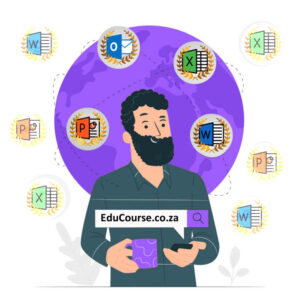
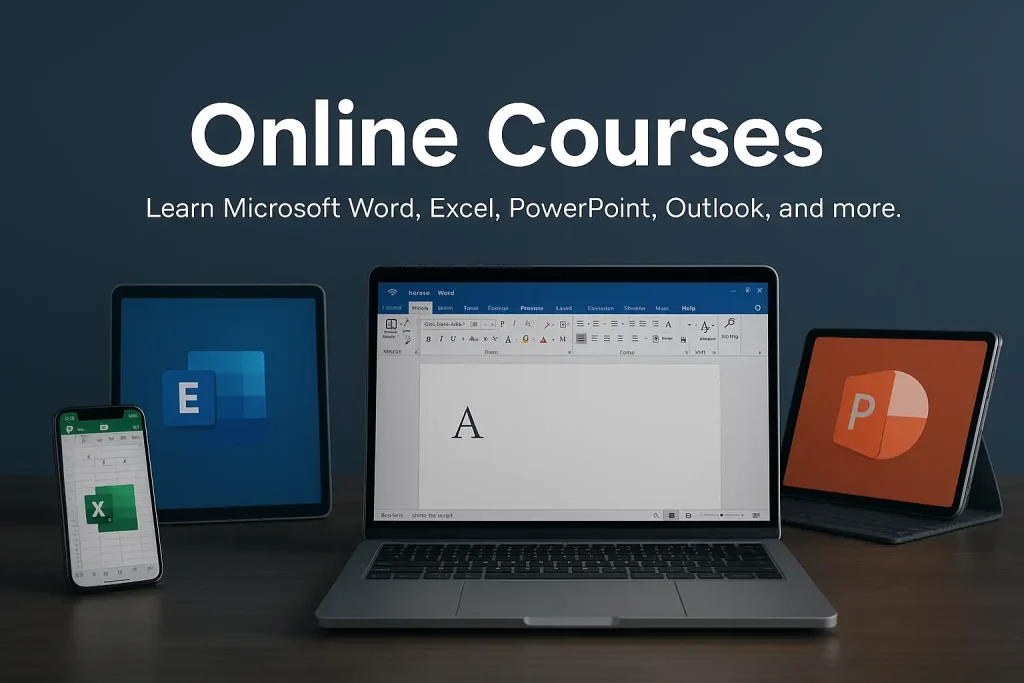
Courses in digital learning include Microsoft Word, Excel, PowerPoint, Outlook , Basic Computer Literacy and Data Entry.

Mobile Ready Learning
Study using any device
You can access our platform from any device. All courses and features are fully optimized to work seamlessly on desktops, laptops, tablets, and mobile phones.
Beginner-Friendly Lessons
All topics are explained clearly with simple examples, making learning easy for everyone.
Trusted by Students
Learners across the world use our platform to build real computer skills.
No Sign-Up Fees
All courses are available at no cost, with no hidden payments or subscriptions.
Do you have any question?
Feel free to contact us anytime.

What you’ll learn?
Our Microsoft Office and computer literacy courses equip you with practical skills that improve productivity, confidence, and career readiness. Every lesson focuses on real-world tasks you’ll use at work or school.
Education Articles
Visit our blog to read about the latest articles.


Why Choose EduCourse?
We provide high-quality, beginner-friendly computer courses designed to help you build real skills with confidence. Our platform is flexible, accessible, and created for learners at every level.
Available Courses
Course Topics
Stduents Learning
What students are talking about
Students love how simple and easy our courses are to follow. Many say the step-by-step lessons helped them gain confidence, improve their computer skills, and understand tools they struggled with before.

Patricia Jacob
Administrator
EduCourse made learning computer skills so simple. The lessons are clear, and I finally feel confident using Word and Excel. I love how everything is self-paced

Susan LeRoux
Customer Consultant
I really enjoyed how easy the platform is to use. The examples helped me understand things I struggled with before. The free certificate was a big bonus!

Demi Stuart
Tech Support
The Basic Computer Literacy course helped me more than I expected. I can now work comfortably on a laptop, and the lessons were very beginner-friendly