Quick Answer
Microsoft Excel is mainly used to organise and analyse data with spreadsheets. It helps you do calculations quickly, create charts, and keep track of information like budgets or sales. Many people in South Africa use Excel at school, in business, and for everyday work to manage numbers and make better decisions.
If you’re new to Excel, it might feel a bit tricky at first, but learning how to use its basic features can save you a lot of time. Excel is common in offices and small businesses across South Africa, so knowing how to work with it can give you practical skills that employers often look for.
What Is Microsoft Excel and Why Is It Useful?
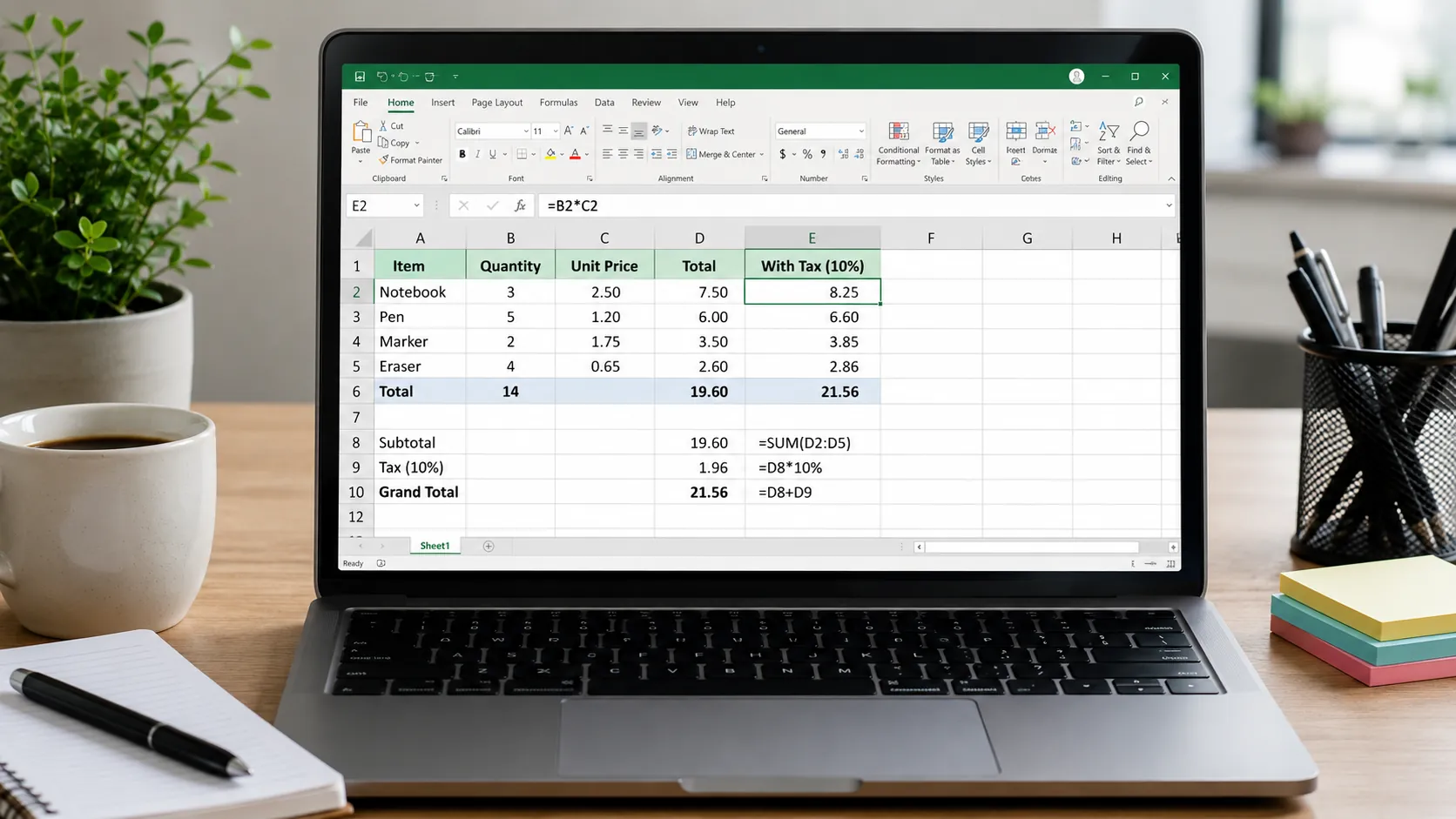
Excel is a spreadsheet program made up of rows and columns that create cells for entering data. This setup helps you organise information in a clear way. You can type numbers, text, dates, or formulas to calculate totals automatically. Excel is popular because it makes handling data easier and less error-prone compared to using paper or simple lists.
Whether you’re managing household expenses, keeping track of work projects, or analysing school data, Excel gives you tools to sort, filter, and summarise information quickly. Many schools, businesses, and government offices in South Africa use Excel daily for these reasons.
How Excel Helps with Everyday Tasks
Excel works well for simple and more complex tasks. For example, you can:
- Create budgets: Track your income and spending with basic formulas that add up totals automatically.
- Manage lists: Keep inventory, attendance, or contact lists organised and easy to update.
- Track projects: Use task lists with deadlines and progress updates.
- Analyse data: Use functions like SUM, AVERAGE, or COUNTIF to quickly crunch numbers from surveys or sales reports.
- Visualise information: Build charts and graphs to show trends clearly for reports or presentations.
South African small business owners often use Excel to watch their monthly sales and expenses. Students use it to plan study schedules and calculate marks. Office workers create invoices, manage attendance, and track tasks.
Getting Started with Excel – Simple Steps
Starting with Excel is easier than you might think. Here’s how to begin:
- Open a new workbook and get familiar with where the tools are: the ribbon menu, formula bar, and worksheet tabs.
- Enter information carefully. Use the right formats like dates or currency to keep data clear.
- Try basic formulas like SUM to add numbers or AVERAGE to find the mean.
- Use formatting tools like bold headers or colour fills to make your spreadsheet easier to read.
- Create simple charts to see your data visually, like pie or bar charts.
Regular practice helps build your confidence. You can do simple tasks first and build up to more complex ones gradually.
Common Mistakes to Watch Out For
Many new Excel users run into a few common problems. Avoid these to get better results:
- Entering inconsistent data types in one column, which makes sorting or filtering hard.
- Not using cell references in formulas, causing errors when data changes.
- Ignoring spreadsheet formatting, which makes it difficult to read or understand the data.
- Forgetting to save work regularly — always save often to avoid losing data.
- Missing useful features like Find & Replace that help edit large amounts of data faster.
Being aware of these can save you from frustration and mistakes.
If you want to build your Microsoft Excel skills from the ground up, try the Free Excel Course with Certificate in South Africa offered by EduCourse. It covers everything from basics to key functions with step-by-step lessons and quizzes. This course is designed for beginners and can help you become confident using Excel for school, work, or personal tasks.