
Using Physical and Digital Filing Systems
How to Organise Records Efficiently
Using Physical and Digital Filing Systems is important for school administration assistants. Good filing keeps documents safe and easy to find. Both types help you manage school records correctly.
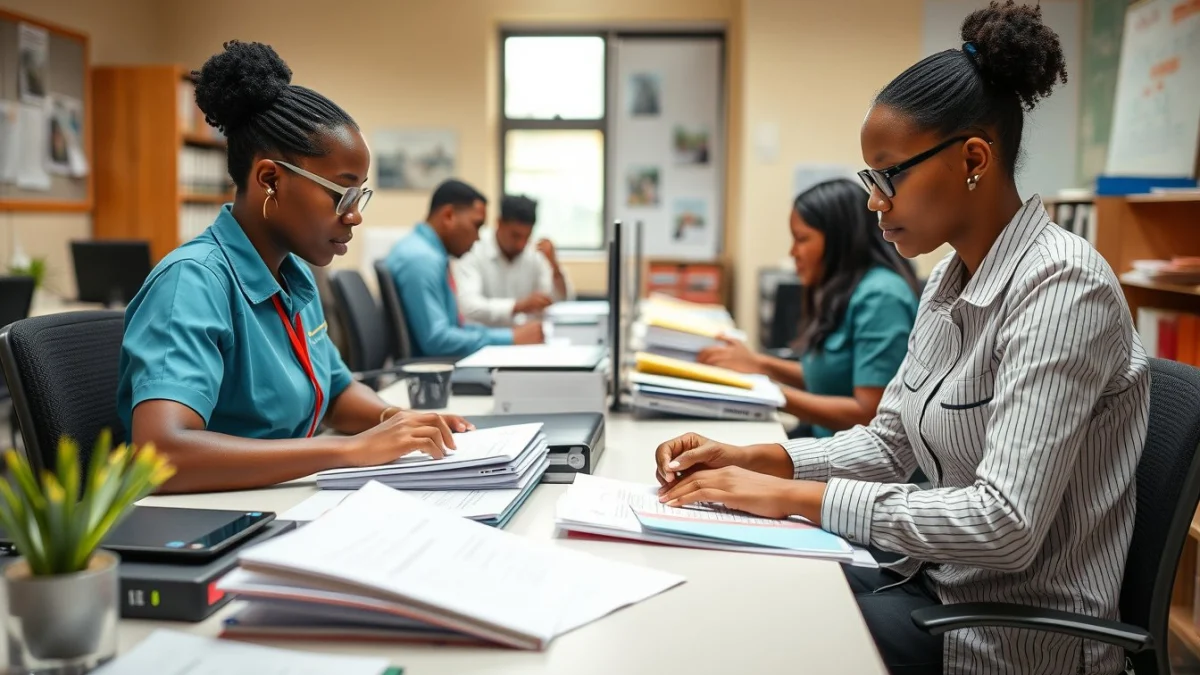
A physical filing system uses paper files, folders, and cabinets. It is best when you need hard copies of important forms and reports. You must label folders clearly and sort documents by date, topic, or class. Keep the filing area neat, and check files regularly to remove old or unnecessary papers.
Digital filing systems store files on computers, cloud services, or school networks. These systems are faster for saving, searching, and sharing documents. You can create folders and subfolders on your computer to keep files organised. Use clear file names and back up files often to avoid loss.
Tips for Using Physical and Digital Filing Systems
- Label Properly: Use clear, simple labels on folders and digital file names.
- Sort Consistently: Arrange files by date, category, or class consistently.
- Store Securely: Keep physical files in locked cabinets and digital files with passwords.
- Update Regularly: Remove old files and update new records without delay.
- Backup Digital Files: Save copies of important files on external drives or cloud storage.
Using both systems together improves school record keeping. Physical files support legal requirements for hard copies. Digital files help with quick access and sharing. Learning to balance these systems will make your work easier and more effective.
Live Scenario • Active Situation
You are a school administration assistant managing student records on a busy school day.
There is no single perfect answer. Choose what you would do in this situation.
