
Tracking stock levels with POS integration
How POS Integration Helps Manage Your Inventory
Tracking stock levels with POS integration means your sales system and inventory system work together. When a customer buys a product, the Point of Sale (POS) system automatically updates the stock count. This helps you know exactly how much stock is available at any time.
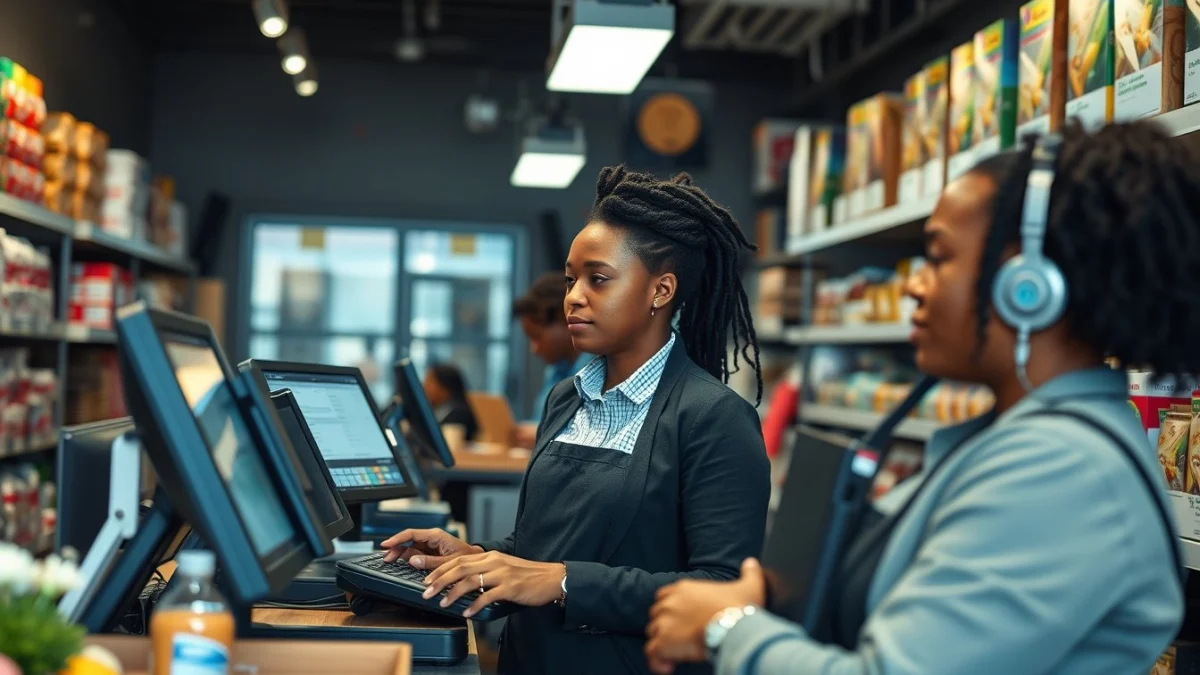
Without POS integration, staff must count stock manually or update inventory after sales. This can cause mistakes, like selling items that are out of stock. With integrated POS, the stock number changes instantly, reducing errors and saving time.
The system also helps you decide when to reorder items. If stock runs low, the POS alerts you so you can buy more before products run out. This keeps your shop stocked and customers happy.
Key Benefits of Tracking Stock Levels with POS Integration
- Real-time updates: Stock numbers change immediately after sales.
- Better stock control: Avoid selling unavailable items.
- Time-saving: No need for constant manual stock checks.
- Improved decision-making: Reorder stock based on accurate data.
- Reduced losses: Prevent stock theft or mistakes through better records.
POS integration is especially useful for small to medium-sized businesses. It simplifies stock management by combining sales and inventory in one system. This means less paperwork and fewer errors.
Many POS software used in South Africa include stock tracking features. They show stock levels on the screen when you sell items. Some even send notifications to reorder or remove slow-selling stock.
For example, if you own a clothing store, the POS integration can track how many shirts or trousers have sold. When the stock becomes low, the system tells you to order more. This way, you will not disappoint customers looking for popular items.
To start using tracking stock levels with POS integration, choose a POS system that supports stock management. Set up your products in the system and enter the starting stock amounts. When you sell an item, the POS updates stock automatically.
Also, train your staff how to use the POS properly. Correct use helps maintain accurate stock records and improves overall business efficiency.
In summary, tracking stock levels with POS integration gives you control and confidence. You see current stock numbers instantly, avoid running out of stock, and make better buying choices. This helps your business run smoothly and keeps customers coming back.
Live Scenario • Active Situation
You are a store manager responsible for inventory control at a small retail shop using a POS system with stock tracking.
There is no single perfect answer. Choose what you would do in this situation.
