
Filing systems for easy retrieval
How to Organise Invoices for Quick Access
Filing systems for easy retrieval are very important when managing invoice records. As an invoicing clerk, you need to find documents fast and keep them safe. A good filing system saves time, prevents loss, and helps with audits.
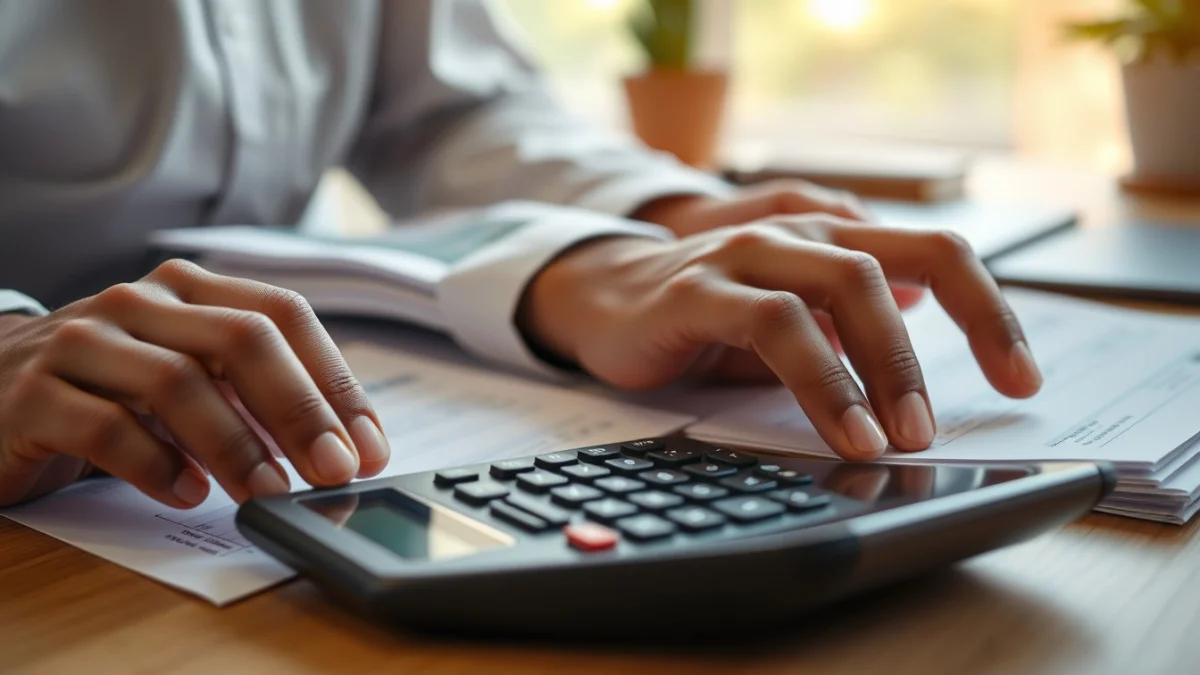
There are two main types of filing systems used in offices: physical and electronic. Both systems aim to organise invoices so you can get what you need without stress.
Physical Filing Systems
Physical filing means keeping paper invoices in folders and cabinets. You should label folders clearly and arrange them logically. Here are common methods:
- Date order: Arrange invoices by date, usually by month and year. This is easy if you need to find invoices from a specific time.
- Supplier name: File invoices alphabetically by seller or supplier name.
- Invoice number: Use the invoice number to keep documents in numerical order.
Choose one main method and be consistent. You can combine methods, for example by date within supplier folders.
Use sturdy folders and label them clearly. Store invoices in a locked cabinet or room to keep them safe and confidential.
Electronic Filing Systems
Many companies use digital filing to store invoices on computers or cloud services. Electronic filing is faster and saves physical space.
To create electronic filing systems for easy retrieval:
- Scan paper invoices and save as PDF files.
- Use a clear folder structure on your computer, such as by year and supplier.
- Name digital files with key details, like “2024-06_SupplierName_Invoice1234”.
- Use software with search functions to find invoices by date, amount, or supplier.
Back up digital files regularly to avoid data loss.
Tips for Both Systems
- Keep invoices in order as soon as you receive them. Don’t wait to file.
- Train all staff to use the filing system correctly.
- Review and tidy the system regularly to remove old or duplicate documents.
- Make security a priority to protect sensitive supplier and financial data.
By using effective filing systems for easy retrieval, you improve your work as an invoicing clerk and support your company’s record-keeping needs. Whether physical or electronic, good organisation prevents lost invoices and helps with billing, auditing, and payments.
Live Scenario • Active Situation
You are the invoicing clerk responsible for managing invoice records in a busy office.
There is no single perfect answer. Choose what you would do in this situation.
