
Using invoice templates effectively
Tips for Making the Best Use of Invoice Templates
Using invoice templates effectively can save you time and help you create professional invoices easily. Templates give you a ready-made layout that you can fill with your customer and payment details. This ensures your invoices look consistent and include all the important information.
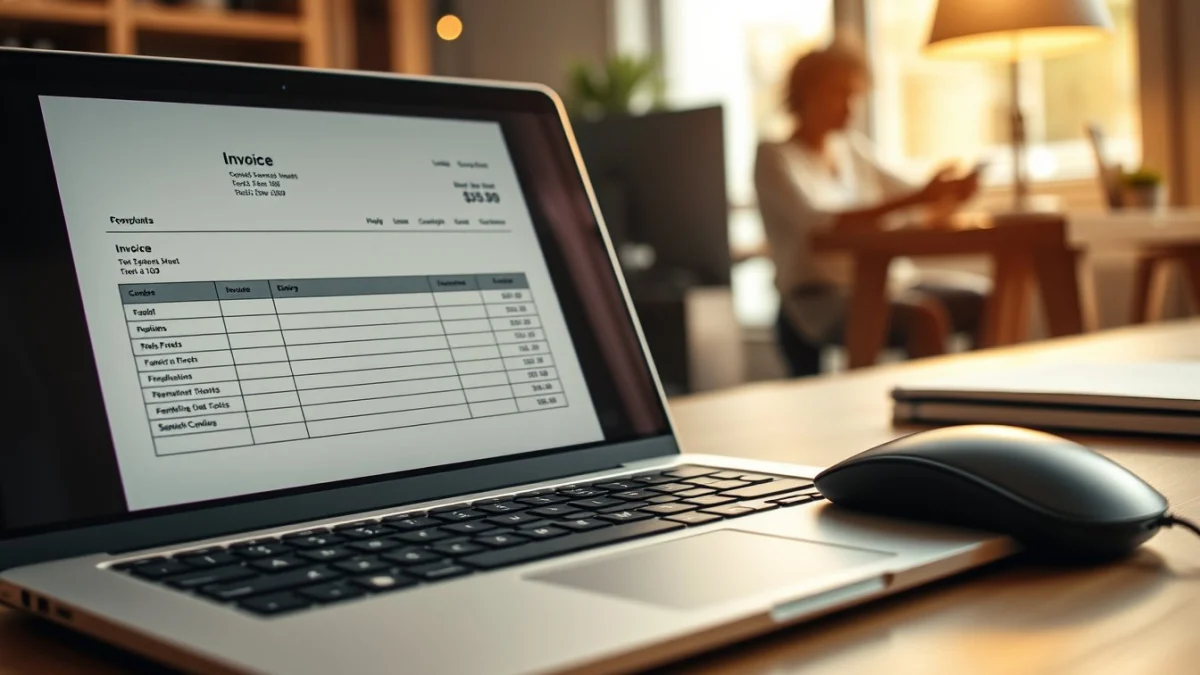
When you use an invoice template, you don’t have to start from scratch every time. Just open the template, add your customer’s name, invoice number, date, and list the products or services you provided. This reduces mistakes and means you can send invoices faster.
Invoice templates also help you follow the correct format required by many businesses and tax authorities. They normally include spaces for VAT or Tax numbers, payment terms, and company contact details. These details are necessary for your invoices to be accepted and paid on time.
Best Practices for Using Invoice Templates
- Choose the right template: Pick a template that fits the type of work you do, such as services or goods sales.
- Fill in all details: Always enter your business name, customer info, invoice date, payment terms, and itemised list.
- Check tax information: Make sure VAT or tax numbers are correct and included when needed.
- Use clear descriptions: Describe each product or service briefly but clearly to avoid confusion.
- Set payment terms: Add your payment method and deadline to help clients pay on time.
- Review before sending: Double-check all details for accuracy and completeness.
Many accounting software programs and office suites offer free invoice templates that you can download and customise. Using these saves you from designing your own and ensures your invoices stay professional.
Remember that consistent branding helps build trust with your customers. This means using your company logo and colours on the template. It looks more official and helps clients recognise your invoices quickly.
By using invoice templates effectively, you improve your business image and speed up payment from customers. Always keep your template updated with current information and make sure it meets local tax requirements. This simple tool can make your invoicing process more reliable and less stressful.
Live Scenario • Active Situation
You are an invoicing clerk preparing invoices using templates in a busy office.
There is no single perfect answer. Choose what you would do in this situation.
