
Utilising templates
Login to save your progress and get your certificate.
Your course progress is only saved when you are logged in.
A template is a predesigned spreadsheet you can use to quickly create a new workbook. Templates also provide custom formatting and predefined formulas, so when beginning a new project, they will save you a lot of time and effort.
Creating a new workbook from a template:
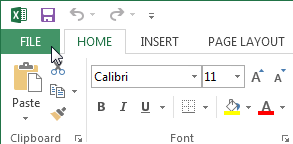
- To access Backstage view, click the File tab.
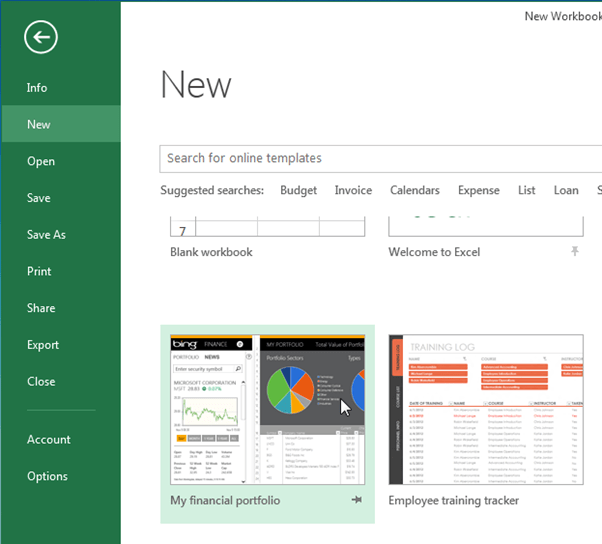
- Choose New then multiple templates will appear below the Blank workbook option.
- Choose a template to review it.
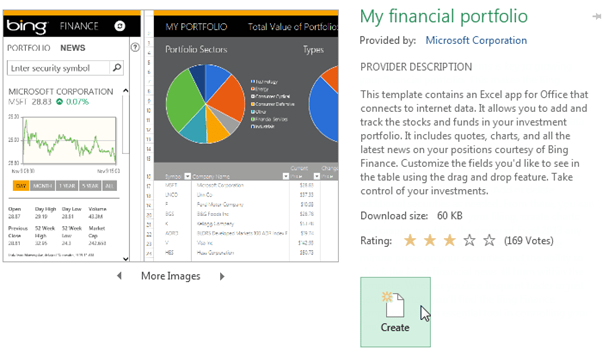
- A preview of the template will display, along with additional information on how the template can be utilised.
- Pick and click Create to make use of the selected template.
- A new workbook will come out with the selected template.
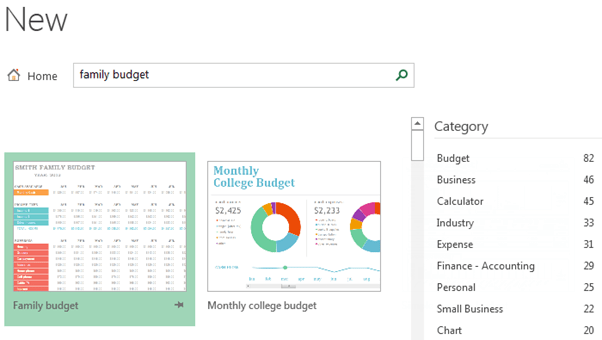
You can also navigate between templates by category or employ the search bar to find something more specific.
Want to save your place in this course?
Login or register to save progress and work toward your certificate.