
Creating and Managing Paper and Digital Files
Effective Methods for Organising Files
Creating and managing paper and digital files is an essential skill for any executive secretary. Proper file organisation helps you find documents quickly, reduces clutter, and protects important information from being lost or damaged.
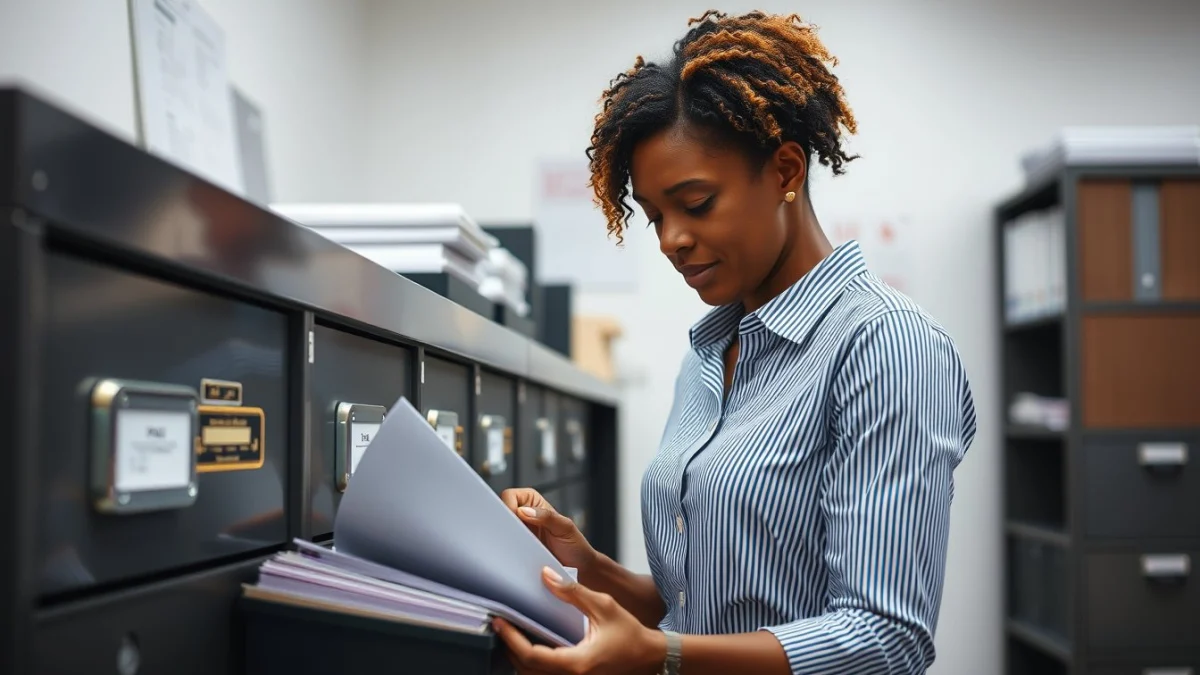
Start by setting up a clear system for both paper and digital files. For paper files, use labelled folders and filing cabinets. Arrange folders by categories such as project, date, or client name. Make sure labels are easy to read and consistent.
For digital files, create folders on your computer or cloud storage. Use a logical structure that mirrors your paper system if possible. Name files clearly using dates and keywords. Avoid vague titles like “Document1” or “Untitled.”
Steps to Create and Manage Files Efficiently
- Sort Documents Regularly: Separate papers or digital files into categories like urgent, ongoing, or completed.
- Use Consistent Naming: Include dates in the format YYYY-MM-DD for easy sorting.
- Keep Backups: Save copies of digital files on external drives or cloud services to prevent data loss.
- Secure Sensitive Files: Lock paper files in cabinets and use password protection for digital files.
- Review and Purge: Regularly delete outdated files to save space and improve efficiency.
Good file management prevents delays and errors. Always file documents soon after use to avoid a backlog. Make use of software tools designed for document management—they can help you track versions and access files from different devices.
By mastering the process of creating and managing paper and digital files, you will improve your productivity and help your office run smoothly. Remember, a tidy filing system is the foundation of good document handling.
Live Scenario • Active Situation
You are the executive secretary responsible for organising urgent project files in both paper and digital formats during a busy workday.
There is no single perfect answer. Choose what you would do in this situation.
