
Security and access control measures for digital documents
How to Protect Digital Documents Safely
Security and access control measures for digital documents are important to keep files safe from unauthorised use. In a workplace, it is important that only the right people can view or change documents. This helps protect sensitive information and keeps the organisation running smoothly.
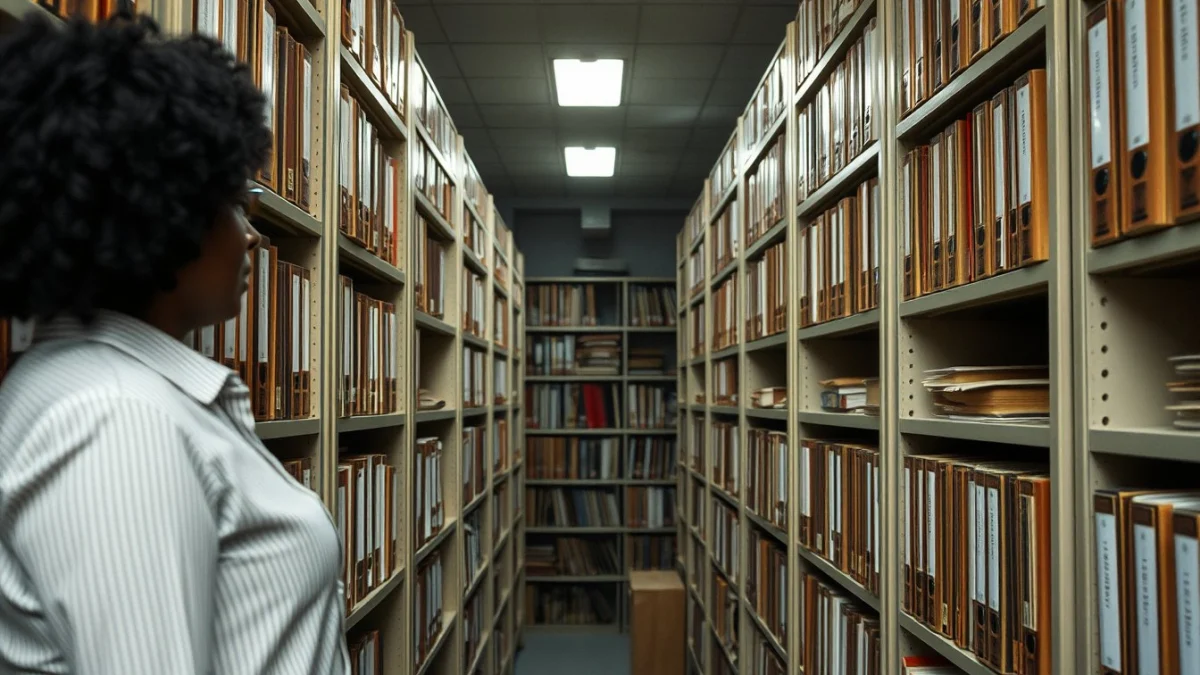
One way to control access to digital documents is by using passwords. Passwords should be strong, with a mix of letters, numbers, and symbols. Avoid easy-to-guess passwords like “12345” or “password”. Change passwords regularly and do not share them with others.
Another important measure is to use user permission settings. This means you decide who can read, edit, or delete a document. For example, some people may only need to view a file while others need to make changes. Setting permissions helps prevent mistakes and keeps documents accurate.
Encryption is another way to protect digital documents. This method changes the content into a code that only authorised users can read. If a document is stolen or intercepted, encryption stops others from seeing the information. Many digital tools offer built-in encryption features.
Two-factor authentication (2FA) adds an extra step to logging in. Besides entering a password, a user must also prove their identity by using a phone, email, or other device. This stops hackers from getting into accounts even if they know the password.
To keep track of document use, audit trails are useful. An audit trail records who opened, edited, or shared a document and when. This helps find out if someone made unauthorised changes or accessed files they shouldn’t have.
Using secure networks, like a company VPN or Wi-Fi with passwords, also helps protect documents. Public or open Wi-Fi networks can expose files to hackers. Always connect to trusted networks when working with digital documents.
Key Security Steps for Digital Documents
- Use strong, unique passwords and change them often.
- Set user permissions carefully to control who can edit or view files.
- Encrypt sensitive documents to keep content private.
- Use two-factor authentication for extra login security.
- Monitor document access with audit trails.
- Work only on secure and private networks.
By following these measures, digital documents are well protected from theft, loss, or wrong use. This is important in maintaining privacy and ensuring the right information is shared at the right time with the right people.
Live Scenario • Active Situation
You are a Document Control Administrator managing sensitive digital files in a busy office.
There is no single perfect answer. Choose what you would do in this situation.
