
Entering Debtor Information Digitally
How to Enter Debtor Details Using Accounting Software
Entering debtor information digitally is an important task for a debtors clerk. It means putting all the customer details into the accounting software accurately. This helps the company keep track of who owes money and how much. Doing this correctly avoids mistakes and ensures smooth financial management.
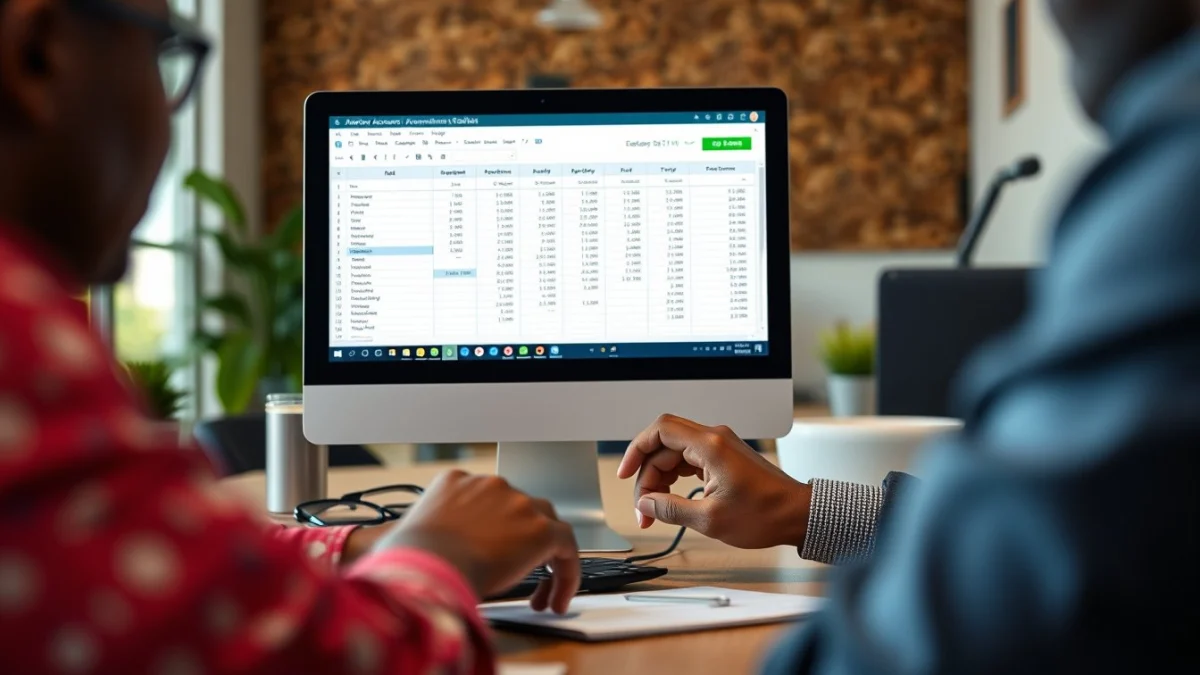
When entering debtor information digitally, you usually start by opening the debtors or customers section in the software. Most accounting programmes used in South Africa are user-friendly and designed for quick data entry.
Steps to Enter Debtor Information Digitally
- Open the debtor or customer module: Find the menu option for adding or managing debtors.
- Create a new debtor record: Click on “New” or “Add debtor”.
- Fill in personal details: Enter the debtor’s full name or company name, contact numbers, and email address.
- Enter physical and postal addresses: Make sure the addresses are precise, especially for sending statements or reminders.
- Give reference or account number: Some businesses assign unique numbers; enter the correct one if available.
- Set payment terms: Input credit limits and payment periods agreed upon with the debtor.
- Save the record: Always double-check the information and then save it securely in the system.
Entering accurate debtor data digitally reduces errors, such as wrong contact details or missed payments. It also makes it easier to generate reports and send automated payment reminders.
Always keep confidential debtor information safe and comply with data protection laws. Only authorised staff should access and update debtor records.
By mastering the process of entering debtor information digitally, a debtors clerk helps the business manage its money more effectively and improves cash flow.
Live Scenario • Active Situation
You are a Debtors Clerk entering new debtor information into the company’s accounting software.
There is no single perfect answer. Choose what you would do in this situation.
